

Photos from current listings. Actual item, color, and included accessories may vary.
Ring Indoor Cam Buying Guide
The Ring Indoor Cam is a plug-in Wi-Fi security camera designed for continuous indoor monitoring through the Ring app. The core trade-off is between the 1st Gen's fixed mounting and the 2nd Gen's added physical privacy shutter and manual pan-tilt base. Buy the 2nd Gen for the privacy shutter and flexible aim; skip the 1st Gen unless found used at a steep discount.
Generation:Gen 1 vs Gen 2 (privacy shutter)Resolution:1080p HD / 16:9 aspect ratioPower:Plug-in only (micro-USB / USB-C)Wi-Fi Band:2.4 GHz only
Typical price range$28.99
At a glance
- Category
- Home Security
- Status
- Listings available
- Last updated
- Nov 22, 2026
Current offers
Highlights
- 2nd Gen adds a manual privacy shutter that physically covers the lens and a pan-tilt base for wall or shelf aiming; 1st Gen is fixed-angle with no shutter.
- Both generations deliver 1080p HD video, two-way talk, and motion-activated notifications over 2.4 GHz Wi-Fi only — no 5 GHz support.
- Power is via a 6-foot micro-USB cable and included USB-A adapter; there is no battery option, so placement requires a nearby outlet.
- Ring Protect subscription unlocks recorded video history and rich notifications; without it, the camera provides only live view and real-time alerts.
Best use cases
- Best fit: pet or baby monitoring in a room with an accessible outlet — mount the 2nd Gen on a shelf with the pan-tilt base for quick repositioning.
- Best fit: apartment entryway surveillance where the privacy shutter matters for roommate trust — choose the 2nd Gen and enable the shutter when home.
- Wrong fit: outdoor coverage or anywhere without a nearby outlet — the Indoor Cam is not weather-rated and has no battery; use a Ring Stick Up Cam instead.
- Skip if you need 5 GHz Wi-Fi or local storage without a subscription — this camera requires 2.4 GHz and cloud recording via Ring Protect.
Buying tips
- Choose the 2nd Gen over the 1st Gen: the privacy shutter and pan-tilt base are worth the small premium and are absent on the original model.
- Confirm your router broadcasts a 2.4 GHz network; the Indoor Cam will not connect to 5 GHz-only SSIDs, a common setup failure.
- Plan for the included 6-foot micro-USB cable — measure outlet distance before mounting, as extension cables are not standard.
- Budget for a Ring Protect plan (Basic or Plus) if you want video history; without it, clips are not recorded and only live view works.
Specs
| Generation | Gen 1 vs Gen 2 (privacy shutter) |
|---|---|
| Resolution | 1080p HD / 16:9 aspect ratio |
| Power | Plug-in only (micro-USB / USB-C) |
| Wi-Fi Band | 2.4 GHz only |
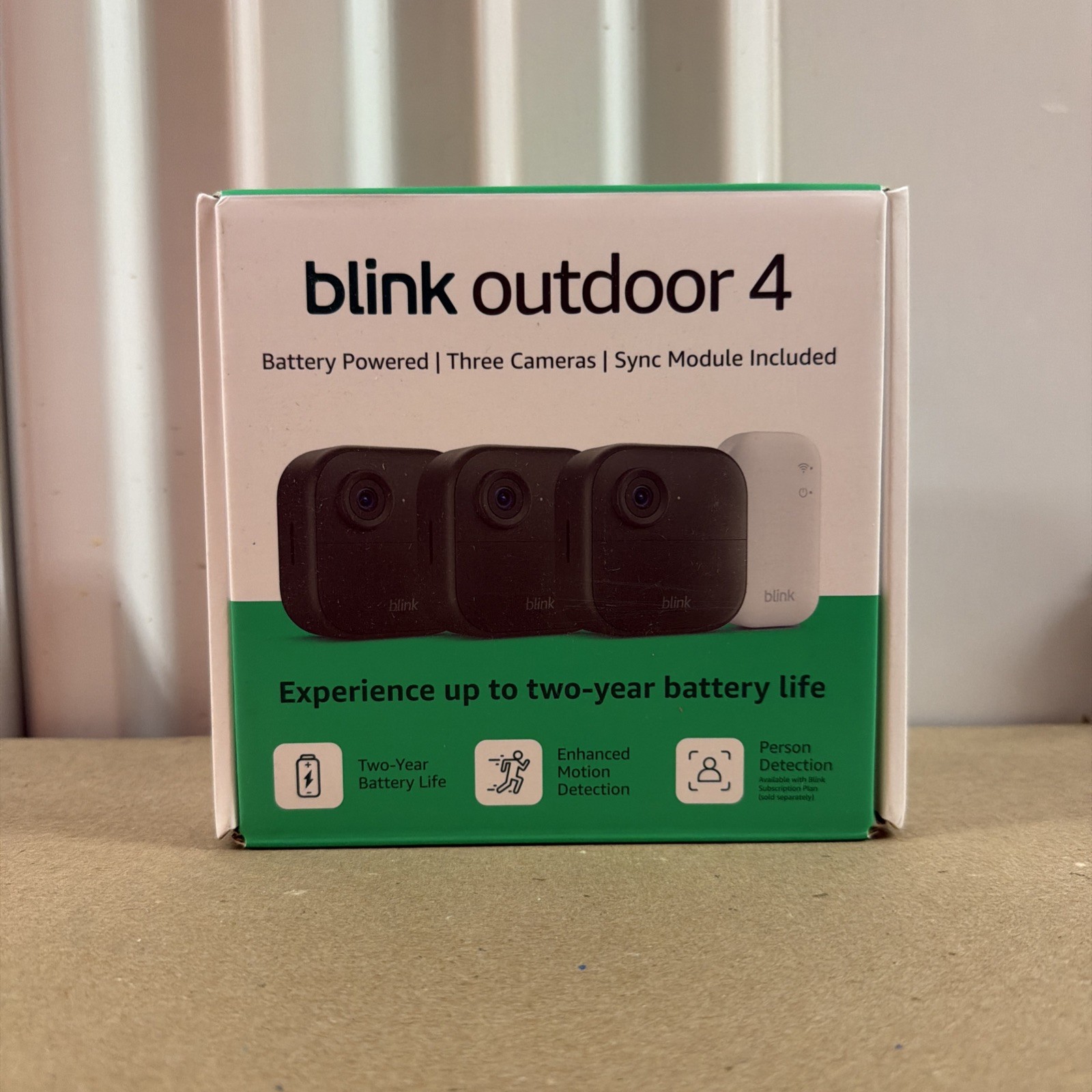
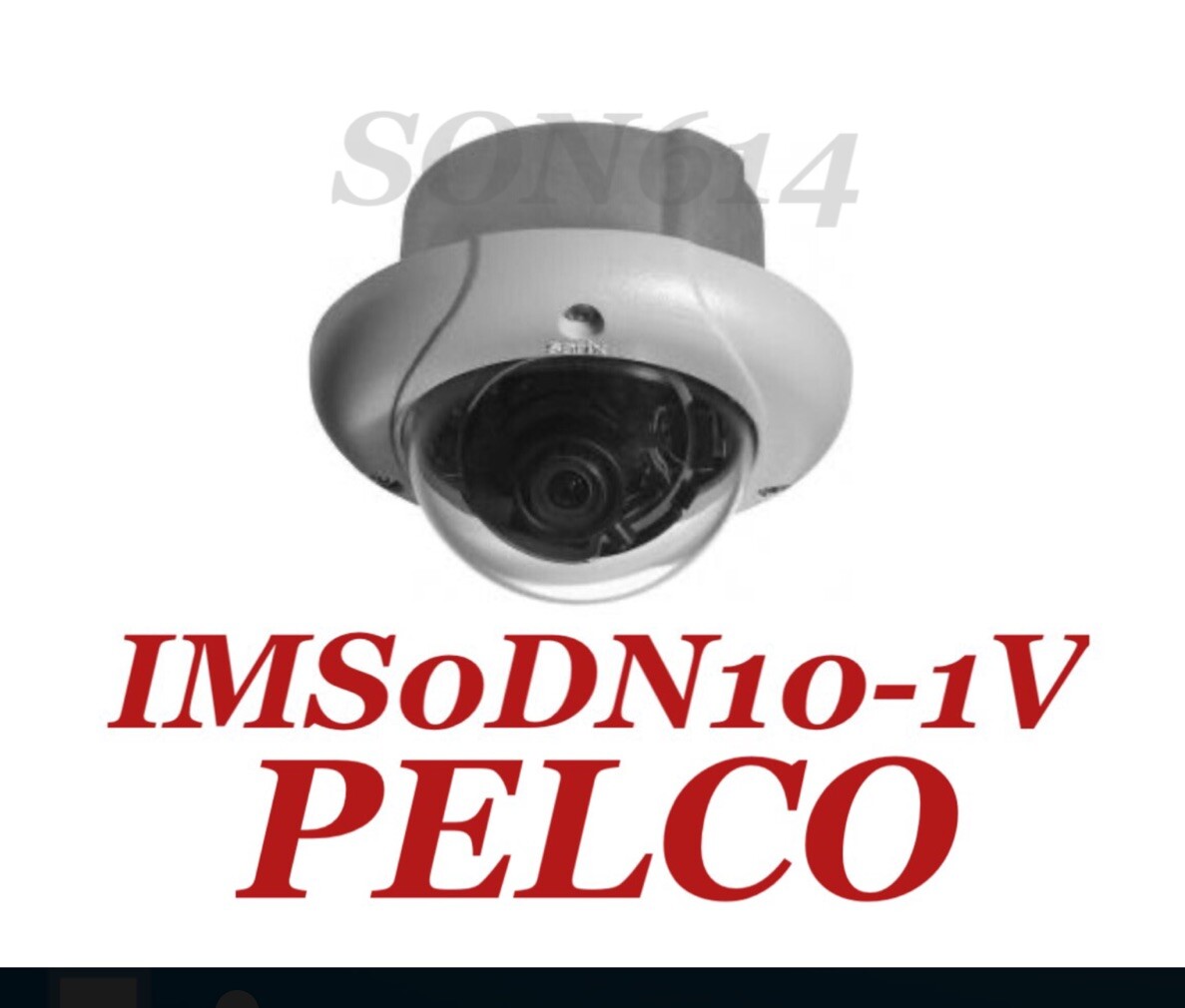
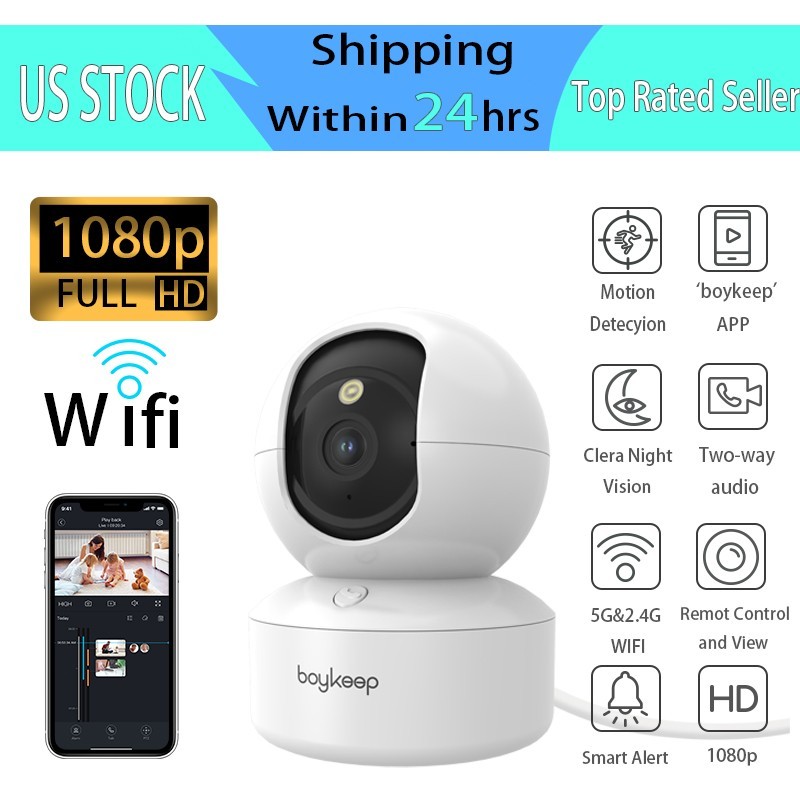
Alternatives to compare



Related searches
What to check before buying
- Measure the mount surface and confirm a nearby outlet within cable reach for constant power.
- Verify your Wi-Fi router broadcasts a 2.4 GHz SSID at the camera location.
- Check that your phone or smart display supports the Ring app for setup and viewing.
- Decide if you need the privacy shutter (Gen 2) or if a fixed lens (Gen 1) is acceptable.
FAQ
Data sources: eBay / Amazon listings and product attribute feeds. Updated Nov 22, 2026.
Some links on this page are affiliate links. If you buy after clicking one, we may earn a commission at no extra cost to you. This does not change which products appear here or their order. Affiliate disclosure.