
Photos from current listings. Actual item, color, and included accessories may vary.
Digital Desk Clock Buying Guide
A digital desk clock replaces analog hands with an LED or LCD module, and the core buyer trade-off is display legibility and power architecture versus footprint and finish quality. Durable picks use auto-dimming LED with USB power and a battery backup, while compromises rely on always-bright panels or folding LCD travel bodies with thin plastic housings. Choose LED with auto-brightness for a nightstand or office desk, and choose a compact folding LCD only when portability outweighs long-term build.
At a glance
- Category
- Home & Desk Clocks
- Last updated
- Nov 22, 2026
Current offers
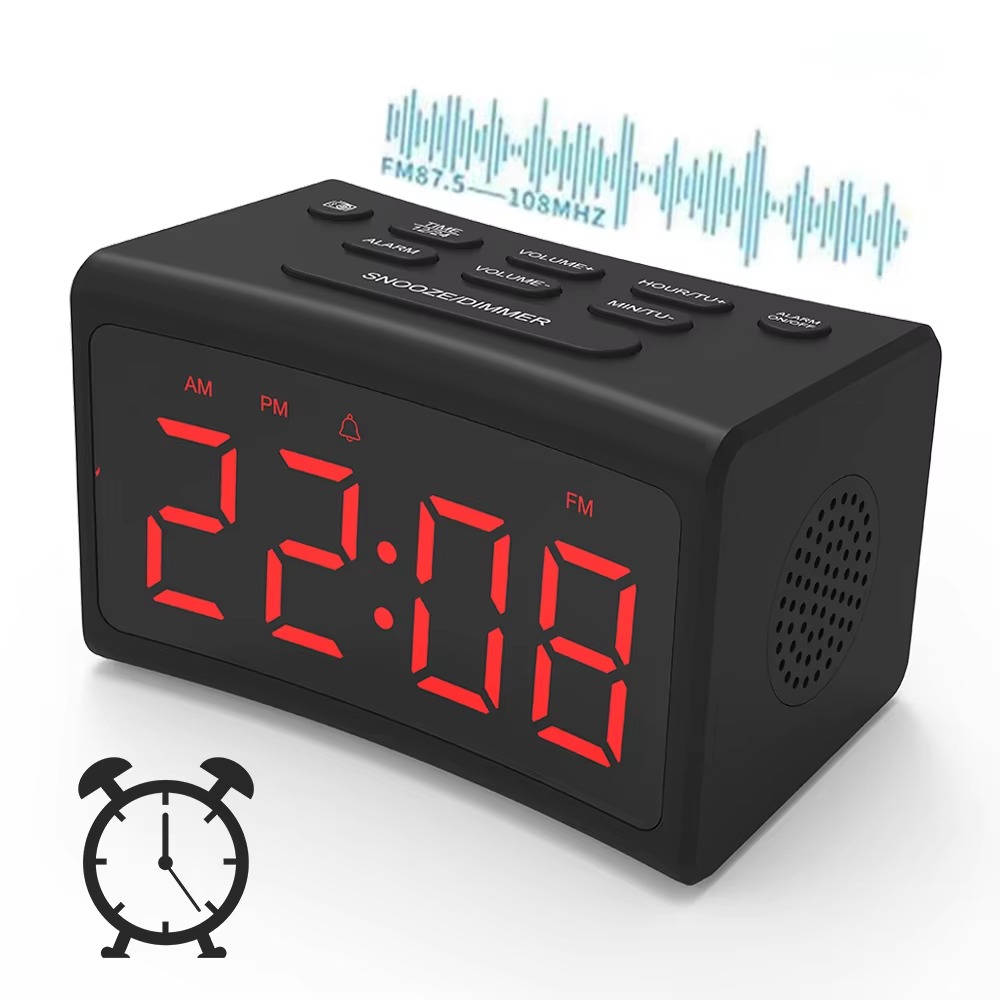 Mobile Desk Bedroom Large Alarm Clock LED Digital Display With FM Radio$16.99View on Mallflare
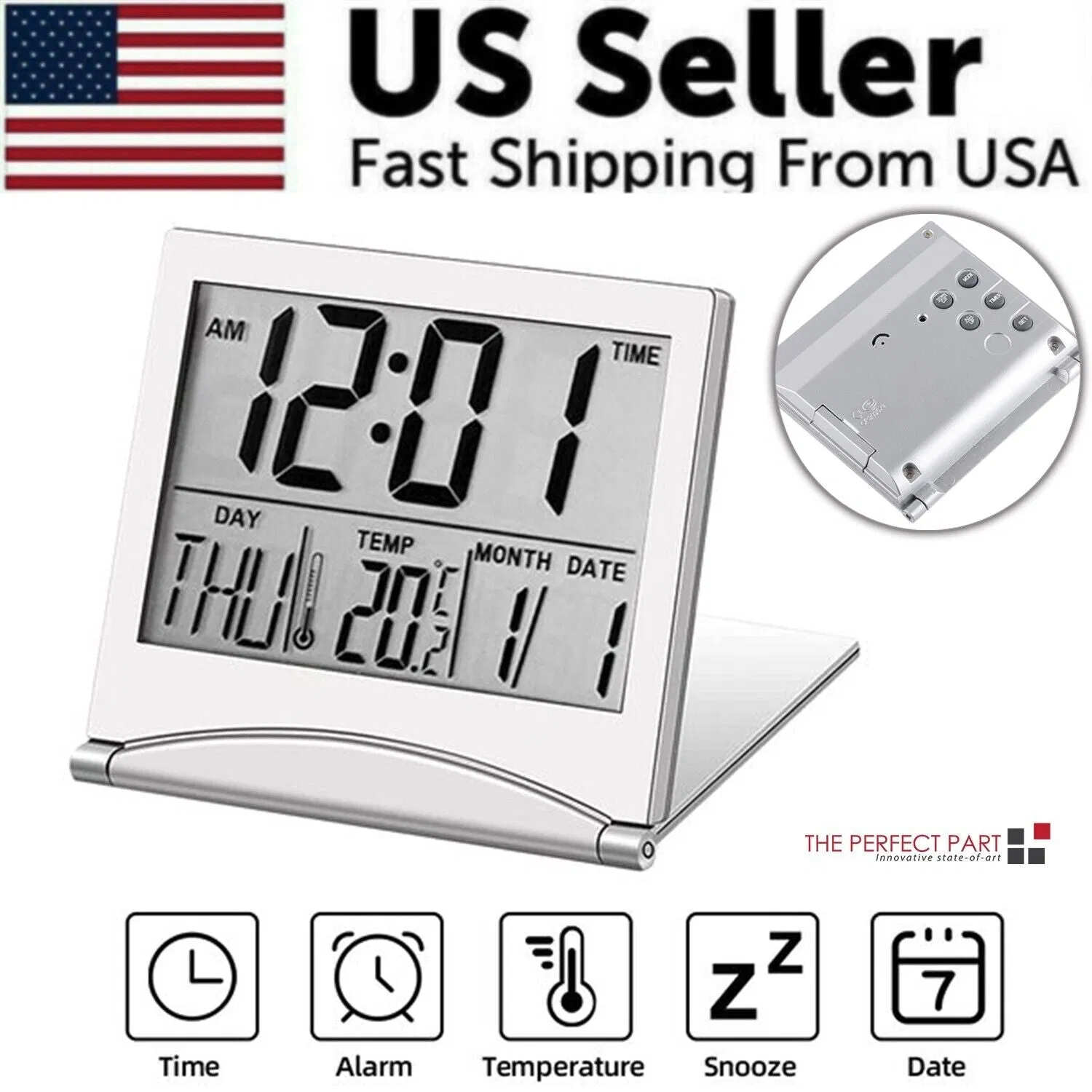 Digital Travel Alarm Clock Foldable Temperature LCD Compact Desk Timer New$19.99View on Mallflare
 Digital 3D LED Big Wall Desk Alarm Clock Snooze 12/24 Hours Auto Brightness USB$23.99View on Mallflare
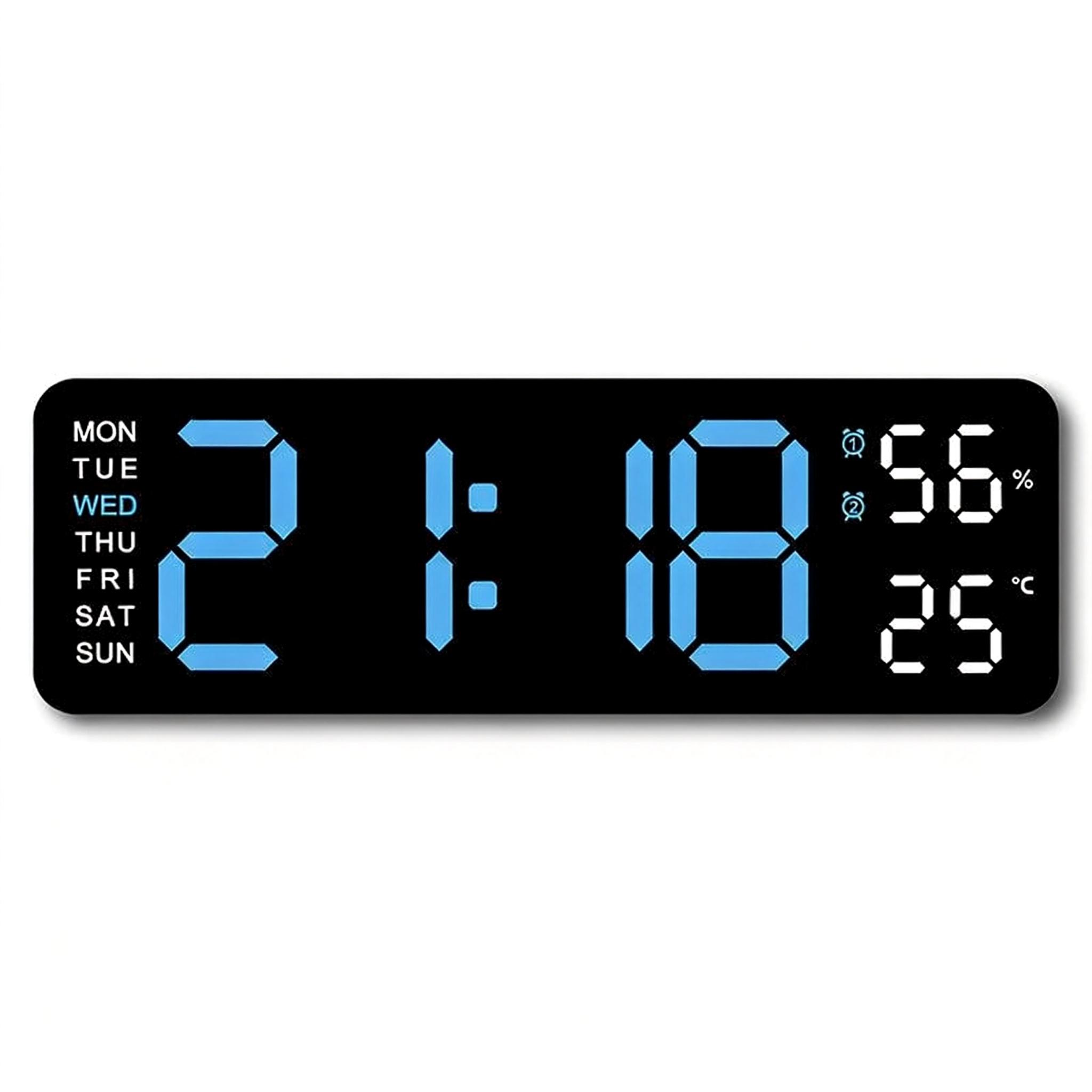 Digital Wall Clock: Large LED Display with Dual Alarm, Humidity, Auto-Dimming, Big Numbers Desk Decor for Classroom Office Bedroom$39.99View on Mallflare
Highlights
- LED segment displays split into 7-segment red/green modules and 3D edge-lit acrylic faces; 7-segment is easier to read at distance, edge-lit is dimmer at wide angles.
- Auto-dimming uses a photocell to drop brightness in dark rooms; fixed-brightness LED clocks cause glare on a bedside table and should be avoided for sleep use.
- Most desk units run on 5V USB or 4x AAA batteries; USB with coin-cell or AAA backup keeps time and alarms through outages, battery-only units drain fast with LED.
- Alarm feature tiers separate basic time-only LCD travel clocks from dual-alarm radios with FM and snooze; dual alarm suits couples, single alarm suits solo sleepers.
Best use cases
- Bedside nightstand: pick an auto-dimming LED clock with dual alarm and USB power plus battery backup; skip fixed-brightness panels that glare at night.
- Office or classroom desk: pick a large 7-segment LED with 12/24-hour toggle and big digits readable across the room; skip small LCD travel clocks with low contrast.
- Travel or hotel use: pick a foldable LCD travel clock with temperature readout and a clamshell hinge; skip glass-front LED units that crack in a bag.
- Families needing two wake times: pick a dual-alarm model with independent snooze; skip single-alarm radios that force one schedule for both sleepers.
Buying tips
- Match digit height to viewing distance: roughly 1 inch of digit height per 10 feet of viewing distance, so a 1.8-inch display reads across a bedroom, 4-inch for a classroom.
- Prefer 5V USB power with a coin-cell or AAA backup over pure battery LED; LED draw drains AAAs in weeks, while backup keeps alarm settings through outages.
- Check the display type: 7-segment LED for distance legibility, LCD for low-power travel, and edge-lit 3D acrylic only for close decorative desk viewing.
- Choose metal or thick ABS housing over thin glossy plastic if the clock sits near a sink or frequently handled; metal resists yellowing and hinge wear.
Specs
| Display Type | 7-segment LED / LCD / edge-lit 3D |
|---|---|
| Power Source | 5V USB + backup cell / AAA battery |
| Dimming | Auto photocell vs fixed brightness |
| Alarm Tier | Single / dual alarm with snooze |
Related searches
What to check before buying
- Measure nightstand or desk footprint and confirm the base depth clears the wall outlet and USB cable bend radius.
- Confirm the room outlet voltage and plug type match the 5V USB adapter or included cord for your region.
- Verify digit height against your farthest viewing spot, especially for classroom or office use across the room.
- Check whether a battery backup cell is included or required, and that the alarm survives a power cut.
FAQ
Data sources: eBay / Amazon listings and product attribute feeds. Updated Nov 22, 2026.
Some links on this page are affiliate links. If you buy after clicking one, we may earn a commission at no extra cost to you. This does not change which products appear here or their order. Affiliate disclosure.