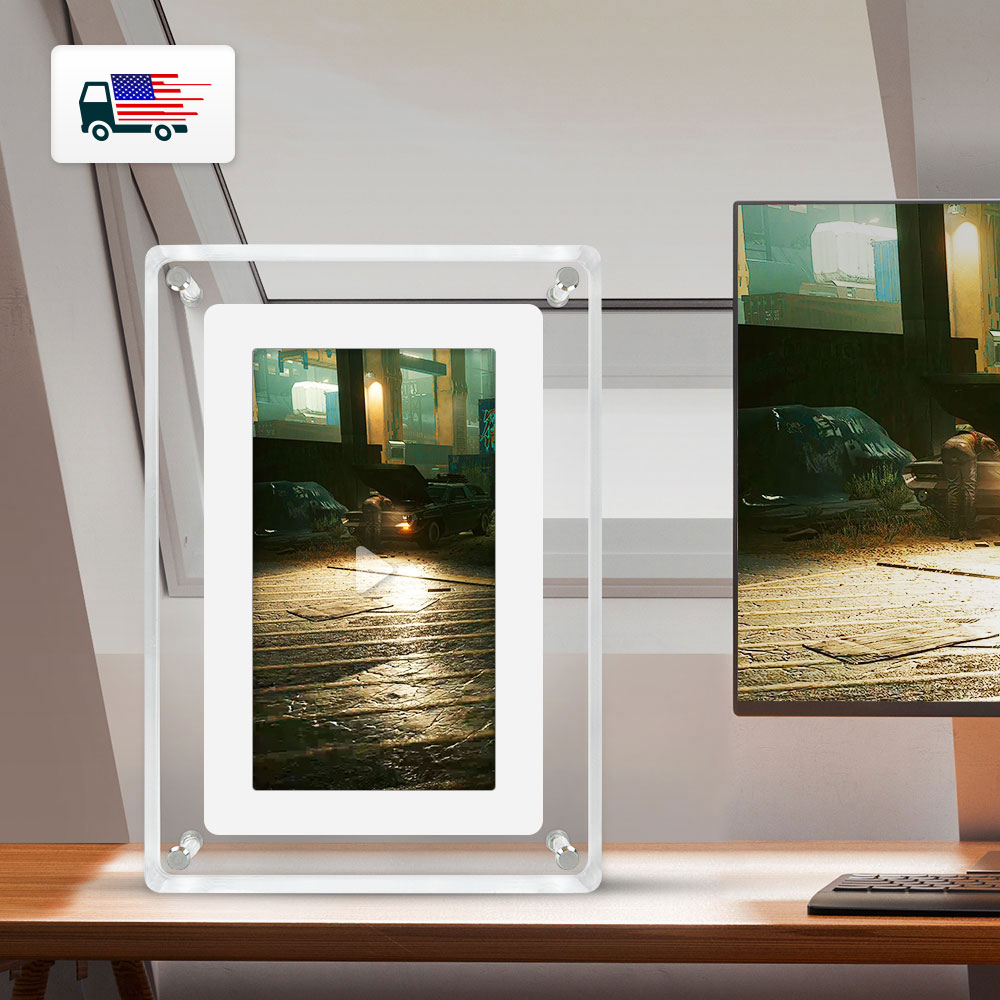

Photos from current listings. Actual item, color, and included accessories may vary.
Digital Picture Frame Buying Guide
Digital picture frames replace printed photos with a Wi-Fi-connected or SD-card-driven LCD panel, letting you push albums to a mantel or wall display. The core trade-off is panel quality and connectivity versus cut-rate builds: IPS screens with 16:9 aspect and true Wi-Fi app sync deliver lasting color and easy updates, while TN panels and offline SD-only players look washed out and require manual card swaps. Choose an IPS frame with dual-band Wi-Fi and onboard storage if you want set-and-forget albums; skip sub-HD, plastic-lens frames unless it is a secondary desk display.
At a glance
- Category
- Picture Frames & Photo Displays
- Last updated
- Nov 22, 2026
Current offers
Highlights
- Panel technology decides the experience: IPS gives 178° viewing angles and stable color; TN panels shift color when viewed off-axis and are common in budget frames.
- Resolution tiers track screen size: 7-inch frames run 1024x600, 10-inch 1280x800, and 15-inch 1920x1080; lower pixel density makes photos look soft.
- Connectivity splits the market: Wi-Fi frames sync from phone apps and email, while SD/USB-only frames require manual card loading with no remote updates.
- Build materials matter for longevity: acrylic or glass fronts resist scratches, while plain plastic lenses haze and yellow; matte finishes reduce glare in bright rooms.
Best use cases
- Best for a kitchen counter or desk: a 7-10-inch Wi-Fi IPS frame with app uploads—pick 1024x600 or 1280x800 and skip SD-only players that force card swaps.
- Best for a living-room gallery wall: a 15-inch 1080p frame with wide viewing angles and a wall-mount kit—choose IPS and 16:9, not a 4:3 budget panel with letterboxed photos.
- Best for gifting to less tech-savvy relatives: a frame with email-to-frame or a simple app and preloaded photos—avoid cloud-only frames that need account setup and constant re-login.
Buying tips
- Match resolution to size: at 7 inches demand at least 1024x600, at 10 inches 1280x800, and at 15 inches 1920x1080; anything lower looks pixelated at arm's length.
- Choose dual-band Wi-Fi (2.4/5 GHz) for reliable video and large-photo sync; 2.4-GHz-only frames choke on HD video and slow album uploads.
- Check onboard storage: 8-16 GB internal plus microSD expansion covers thousands of photos; 4 GB fills quickly with video and high-res JPEGs.
- Prefer IPS panels with 16:9 aspect for modern phone photos; 4:3 frames crop or letterbox, and TN panels wash out at off-center angles.
Specs
| Panel Type | IPS vs TN LCD |
|---|---|
| Resolution by Size | 7in 1024x600 / 10in 1280x800 |
| Connectivity | Wi-Fi app sync vs SD/USB only |
| Storage | 8-16 GB internal + microSD |
Related searches
What to check before buying
- Measure the shelf, mantel, or wall space and add clearance for the frame bezel and stand; a 15-inch frame needs roughly 14 inches of width plus margin.
- Confirm the room's Wi-Fi reaches the display spot on 2.4 GHz or 5 GHz; a frame that drops signal will not auto-update albums.
- Check the power adapter plug type and cord length for your region and outlet placement; wall-mounted frames need a nearby outlet or a long USB cable.
- Verify the frame includes a stand or wall-mount kit and supports the photo formats you use (JPEG, PNG) plus video (MP4) if you want motion clips.
FAQ
Data sources: eBay / Amazon listings and product attribute feeds. Updated Nov 22, 2026.
Some links on this page are affiliate links. If you buy after clicking one, we may earn a commission at no extra cost to you. This does not change which products appear here or their order. Affiliate disclosure.