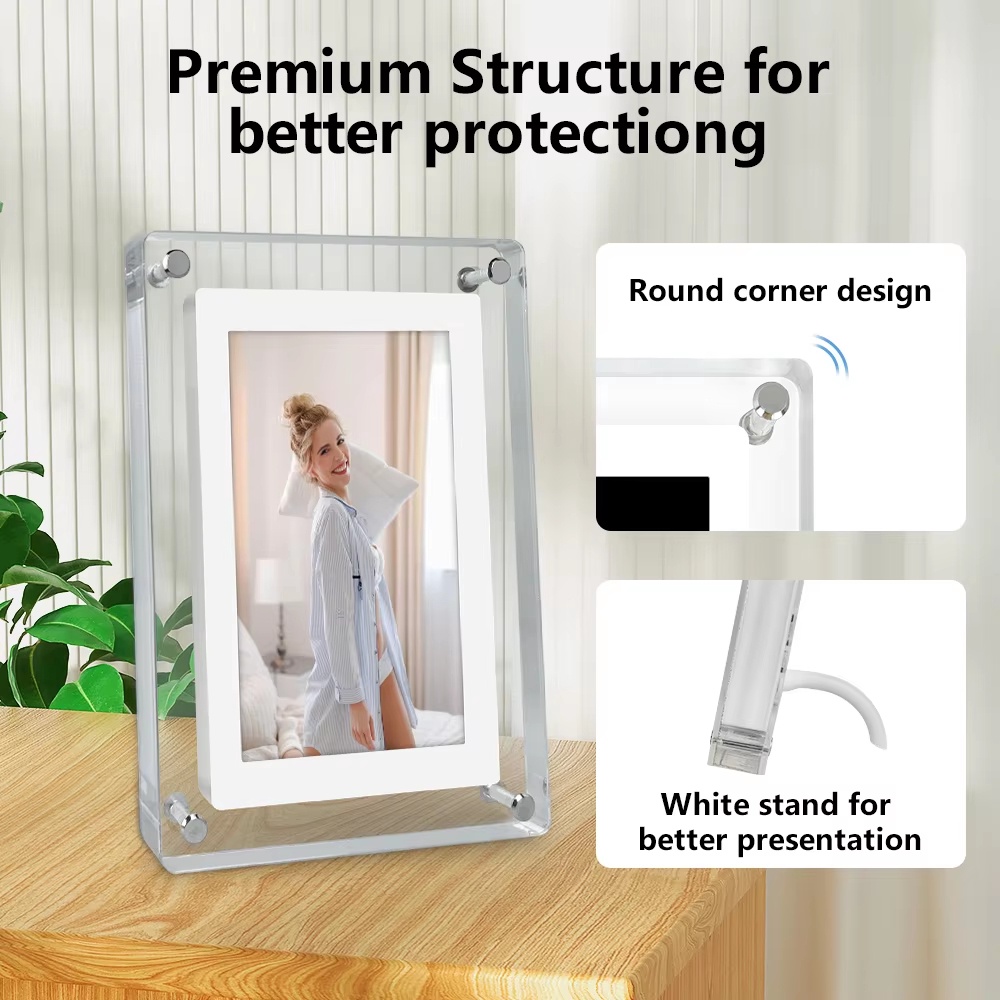

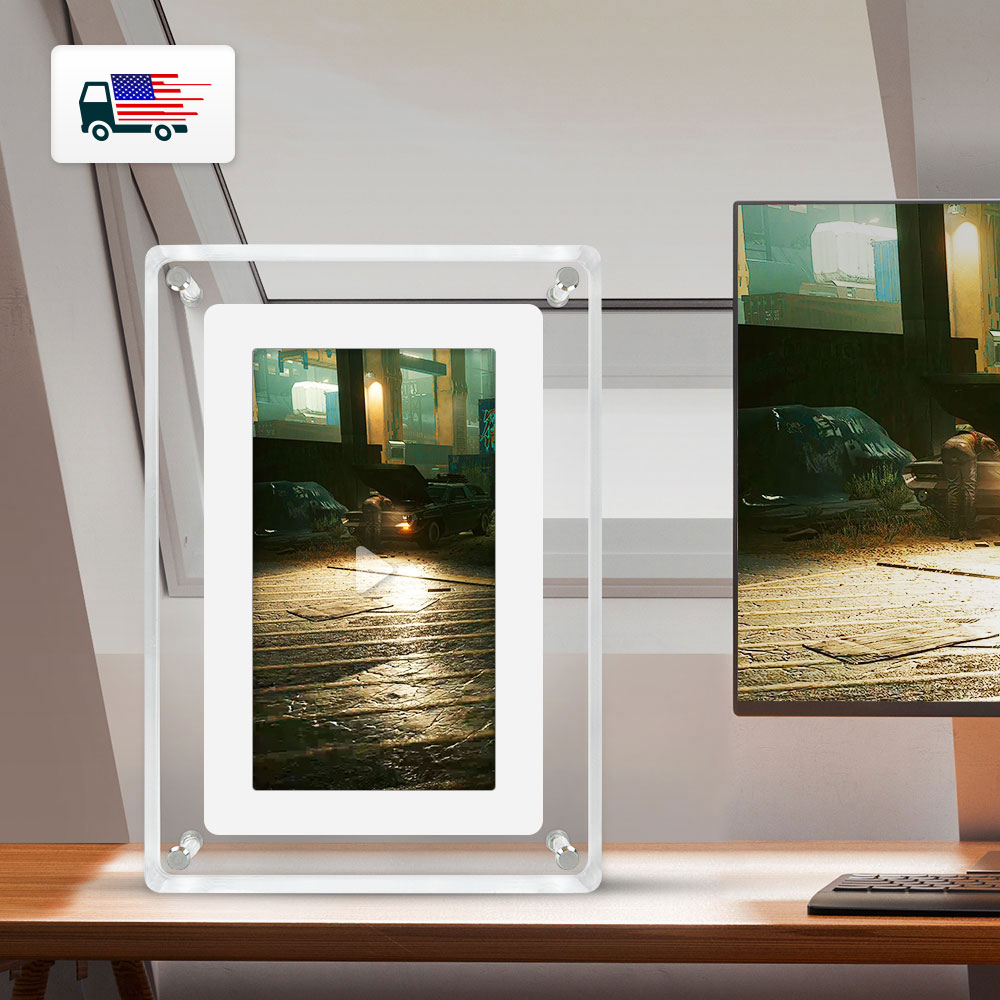
Photos from current listings. Actual item, color, and included accessories may vary.
Digital Photo Frame Buying Guide
A digital photo frame is a dedicated always-on display that pulls photos (and often video) from local storage, a memory card, or Wi-Fi/cloud services. The decisive trade-off is panel quality plus connectivity versus a low-cost plastic shell: IPS panels, Wi-Fi sync, and app ecosystems define a frame that stays usable, while tn panels and USB-only workflows create friction for non-technical users. Buy an IPS, Wi-Fi-capable frame with app-based remote management for gifting; skip acrylic or plastic TN models with only local storage unless the goal is simple offline signage.
At a glance
- Category
- Picture Frames & Photo Displays
- Last updated
- Nov 22, 2026
Current offers
Highlights
- Panel type sets viewing quality: IPS gives 178° color-stable viewing for group viewing; TN panels shift color and contrast off-axis and are common in budget acrylic frames.
- Connectivity tiers: Wi-Fi/cloud frames sync via app and email-to-frame; non-Wi-Fi frames rely on SD/USB, requiring manual file transfer and physical access.
- Resolution density matters at close range: 5-inch 1280x800 and 7-inch 1024x600 are baseline crispness; 800x480 on 7-inch shows visible pixelation on faces and text.
- Storage and format support: 4GB onboard plus SD slot covers hundreds of JPEGs; video playback requires MP4/H.264 support and sufficient onboard storage for smooth decode.
Best use cases
- Best for grandparents: pick a Wi-Fi frame with app/email upload so family can push photos remotely without touching the device; skip USB-only frames that require physical card swaps.
- Best for desk or shelf decor: choose a 5–7 inch IPS frame with a clean acrylic or wood bezel and auto-orientation; skip large 10-inch frames where desk depth is limited.
- Best for wall or gallery display: choose a 10-inch-plus IPS frame with a matte finish and VESA or keyhole mount; skip glossy acrylic panels that reflect window and lamp light.
- Wrong fit: high-traffic bright rooms with TN panels or low-brightness frames — off-axis washout and glare make photos unreadable; pick IPS with anti-glare coating instead.
Buying tips
- Match size to viewing distance: 5–7 inch for desk/nightstand (arm's length), 10 inch for shelf across a room, 15 inch+ for wall viewing from several feet.
- Require IPS for shared viewing: at 45° off-axis, TN contrast drops sharply while IPS holds color, which matters when several people view a frame together.
- Prefer Wi-Fi with app plus email upload: this lets family send photos without visiting; USB/SD-only frames need physical access and file management.
- Check aspect ratio versus photo shape: 4:3 frames fit camera JPEGs with less cropping; 16:9 frames crop or letterbox portrait and 4:3 photos, so pick matte borders or auto-fit modes.
Specs
| Panel Type | IPS (wide-view) vs TN (budget) |
|---|---|
| Connectivity | Wi-Fi/cloud app vs SD/USB only |
| Typical Sizes | 5 / 7 / 10 / 15 inch diagonal |
| Resolution Tier | HD 1024x600+ / FHD 1920x1080 |
Related searches
What to check before buying
- Measure the intended surface: 7-inch frames need roughly 7–8 inches of width and a few inches of depth; 10-inch frames need about 10–11 inches width and stable footing.
- Confirm outlet or USB power reach: most frames use a DC barrel or USB-C adapter and have no battery, so place near a powered outlet or USB port.
- Check Wi-Fi band: many frames support only 2.4 GHz networks, so confirm your router broadcasts a 2.4 GHz SSID for initial pairing.
- Verify photo format and card type: JPEG is universal; confirm MP4/H.264 for video and SD/SDHC (not just microSD) if you plan to load cards directly.
FAQ
Data sources: eBay / Amazon listings and product attribute feeds. Updated Nov 22, 2026.
Some links on this page are affiliate links. If you buy after clicking one, we may earn a commission at no extra cost to you. This does not change which products appear here or their order. Affiliate disclosure.