
Photos from current listings. Actual item, color, and included accessories may vary.
Wireless Video Doorbell With Monitor Buying Guide
A wireless video doorbell with monitor pairs a battery-powered camera at the door with a dedicated indoor display, so you can see and speak to visitors without a phone. The core trade-off is between the doorbell's wireless radio reliability and the monitor's screen quality and battery life. Choose a kit that uses a dedicated 2.4GHz or sub-GHz link between doorbell and monitor for lag-free local viewing; skip Wi-Fi-only doorbells if you want the monitor to work during internet outages.
At a glance
- Category
- Home Security
- Last updated
- Nov 22, 2026
Current offers
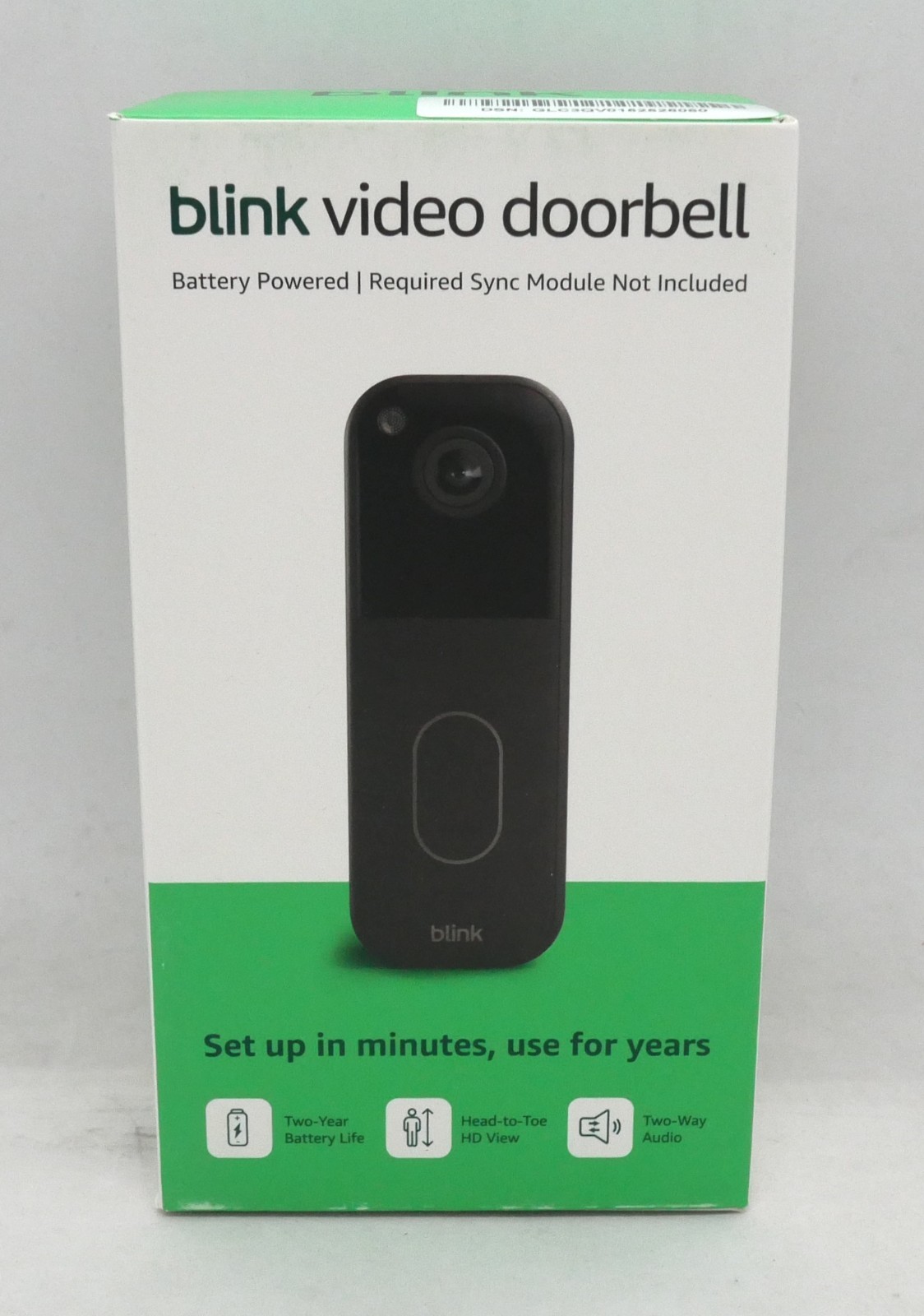 BLINK WIRELESS HOME SECURITY (BLACK) (2nd Gen/2025 MODEL) VIDEO DOORBELL *NEW*$27.99Last checked Nov 21, 2026View on eBay
 Wireless Security WiFi Smart Doorbell Intercom Video Camera Bell Chime Door Ring$27.99View on Mallflare
 Wireless Wi-Fi Video Doorbell Camera with Two-Way Audio, AI Motion Detection$39.99View on eBay
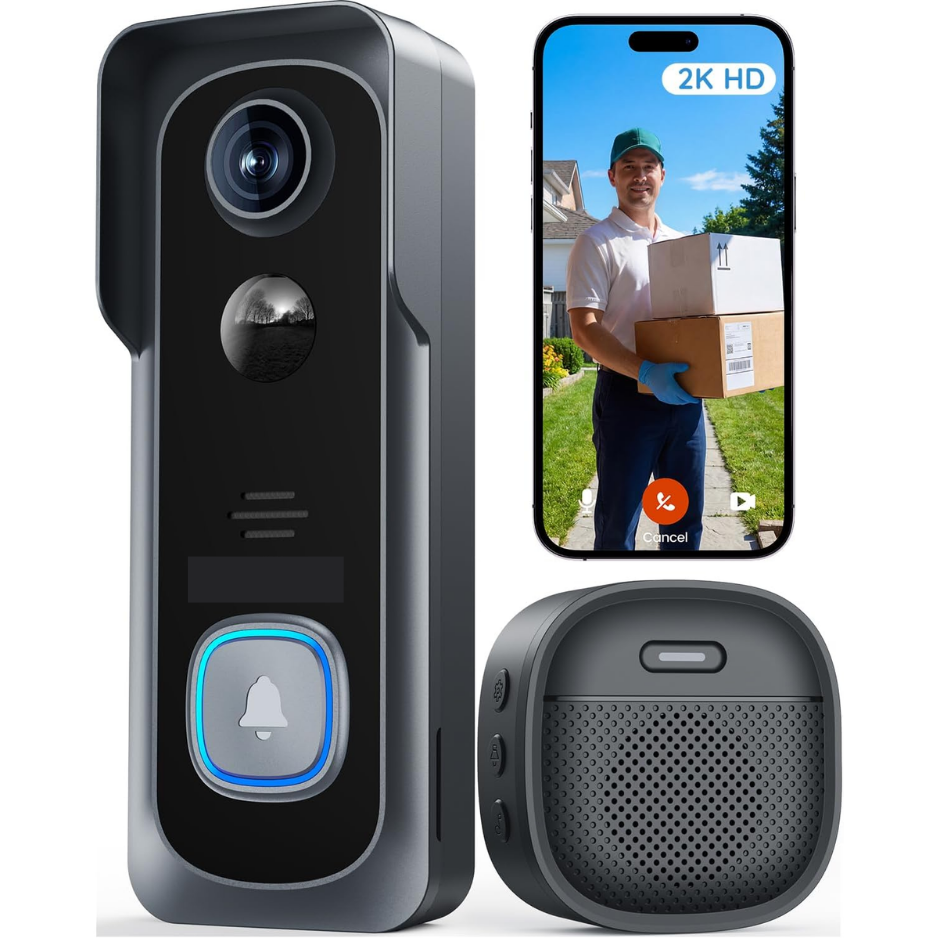 2K HD Wireless Video Doorbell Camera, No Subscription Required$165.99View on Mallflare
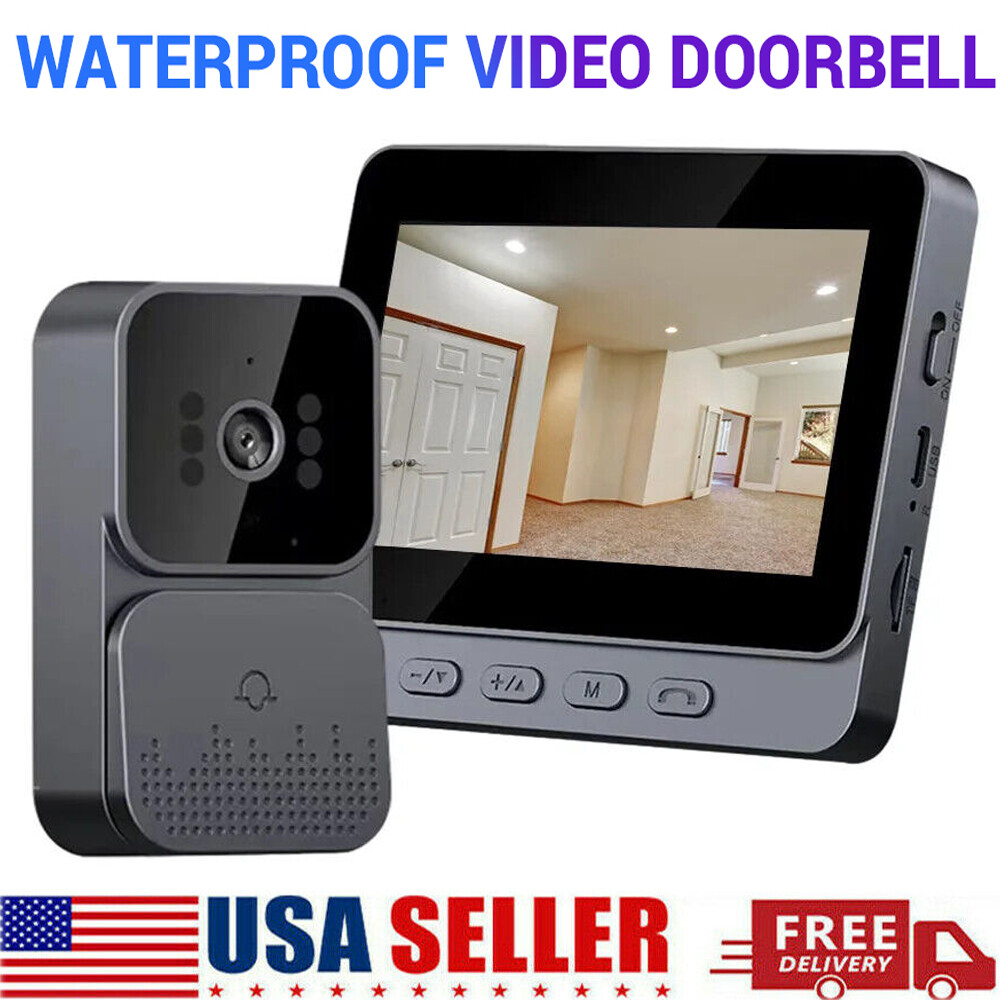 1080P 2.4G Wireless Smart Visual Intercom Video Doorbell Camera Monitor for Home$42.99View on eBay
 WYZE Wireless Duo Cam Video Doorbell (Chime Included), Battery Powered, 2K Full$92.00View on eBay
Highlights
- Dedicated monitor kits use a private 2.4GHz or sub-GHz RF link, giving sub-1-second wake time and local recording without cloud fees.
- Camera resolution tiers separate clarity: 1080p is baseline, 2K (2560x1440) doubles pixel density for facial detail at 3-5m.
- Battery-powered doorbells need 6-12 months per charge; models with PIR motion sensors and 2K video drain faster than 1080p units.
- Monitor screens range from 4.3in to 7in; 5in+ IPS panels with 800x480 or higher resolution make visitor identification reliable.
Best use cases
- Best fit: renters or homes without existing doorbell wiring — pick a battery doorbell + 5in monitor kit with local microSD recording, skipping wired-only models.
- Best fit: elderly or non-smartphone users who need a standalone screen — choose a kit with a dedicated 7in monitor and physical chime, not an app-only doorbell.
- Wrong fit: large multi-story homes — a single 2.4GHz monitor link may not reach; instead choose a Wi-Fi doorbell with phone app and add a plug-in chime extender.
Buying tips
- Match doorbell resolution to monitor: a 1080p camera on a 480p screen wastes detail; pick 2K camera with 1024x600 or higher monitor.
- Verify wireless range: 2.4GHz kits typically cover 100-150m line-of-sight; for thick walls or metal doors, choose a sub-GHz (433/868MHz) kit for penetration.
- Check power: battery doorbells use 18650 or 3xAA cells; kits rated 6+ months at 20 events/day suit low-traffic doors, while high-traffic entries need wired or solar.
- Confirm storage: local microSD (up to 128GB) in the monitor avoids subscriptions; cloud-only kits add recurring cost and depend on Wi-Fi.
Specs
| Camera Resolution | 1080p vs 2K (2560x1440) |
|---|---|
| Wireless Link | 2.4GHz RF vs Sub-GHz vs Wi-Fi |
| Monitor Screen | 4.3in / 5in / 7in IPS |
| Power Source | Battery (18650/AA) vs Wired |
Related searches
What to check before buying
- Measure door frame width: doorbells wider than 45mm won't fit narrow trim; check mounting plate dimensions against your frame.
- Check Wi-Fi or RF interference: 2.4GHz kits conflict with crowded routers; place monitor within 10m of doorbell for stable link.
- Confirm voltage for wired chime integration: most kits use 8-24V AC; verify your existing transformer if you want the indoor chime to ring.
- Verify monitor power: displays use USB-C or micro-USB charging; ensure a nearby outlet or plan for 5V/2A adapter placement.
FAQ
Data sources: eBay / Amazon listings and product attribute feeds. Updated Nov 22, 2026.
Some links on this page are affiliate links. If you buy after clicking one, we may earn a commission at no extra cost to you. This does not change which products appear here or their order. Affiliate disclosure.