
Photos from current listings. Actual item, color, and included accessories may vary.
Smart Home Alarm Buying Guide
A smart home alarm is a connected sensor-and-hub system that detects intrusion and triggers alerts, differentiated mainly by wireless protocol (Zigbee/Z-Wave vs proprietary sub-GHz vs Wi-Fi) and whether professional monitoring is optional or mandatory. The core trade-off is ecosystem openness and self-monitoring flexibility versus turnkey cellular-backed professional monitoring. Choose an open-protocol hub you can expand yourself for DIY self-monitoring; choose a proprietary all-in-one kit only if you want built-in cellular backup and professional monitoring with no setup tinkering.
At a glance
- Category
- Home Security
- Last updated
- Nov 22, 2026
Current offers
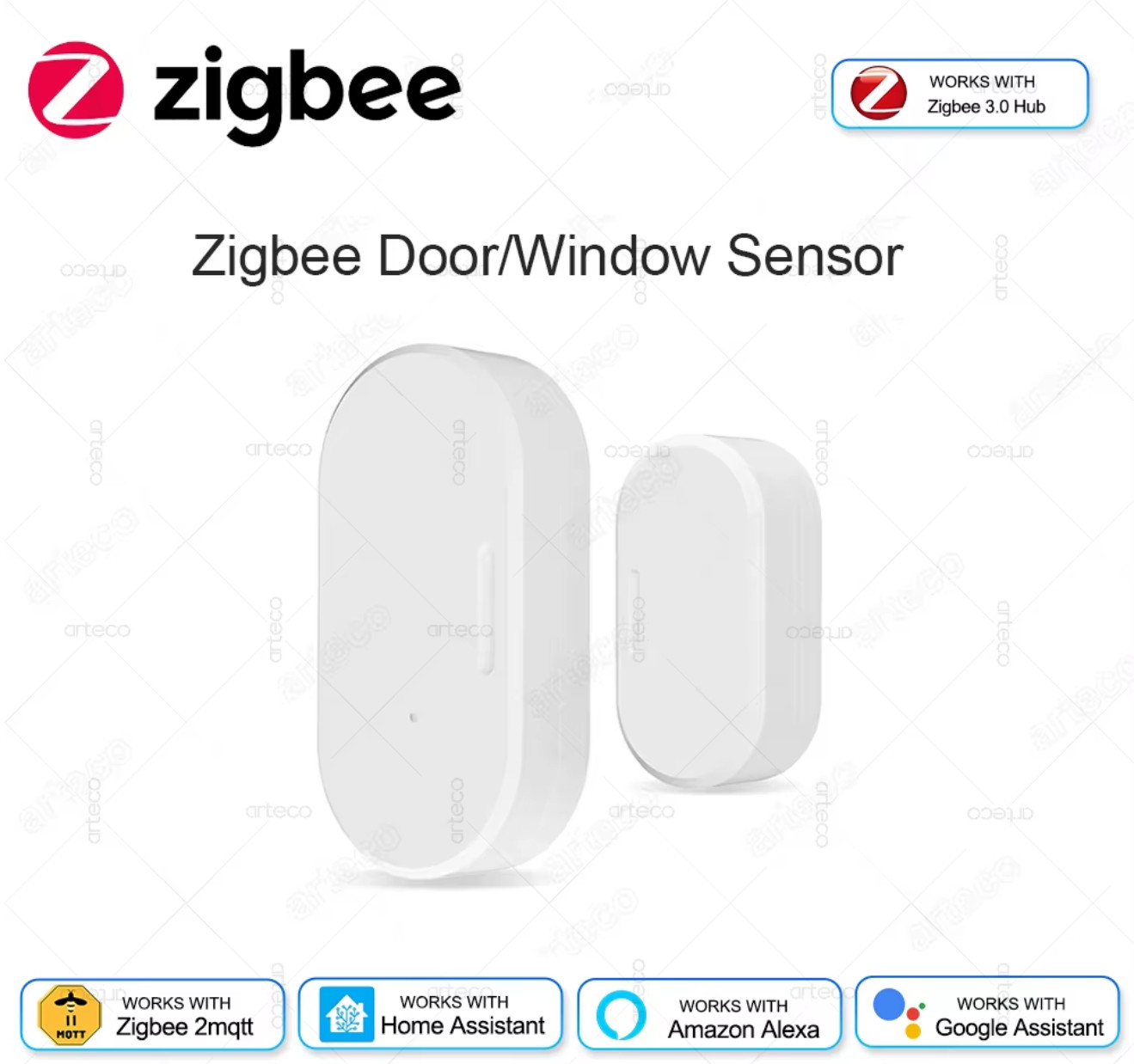 Zigbee Door Window Sensor Open Close Detector Smart Home Security Alarm Burglar$7.99View on eBay
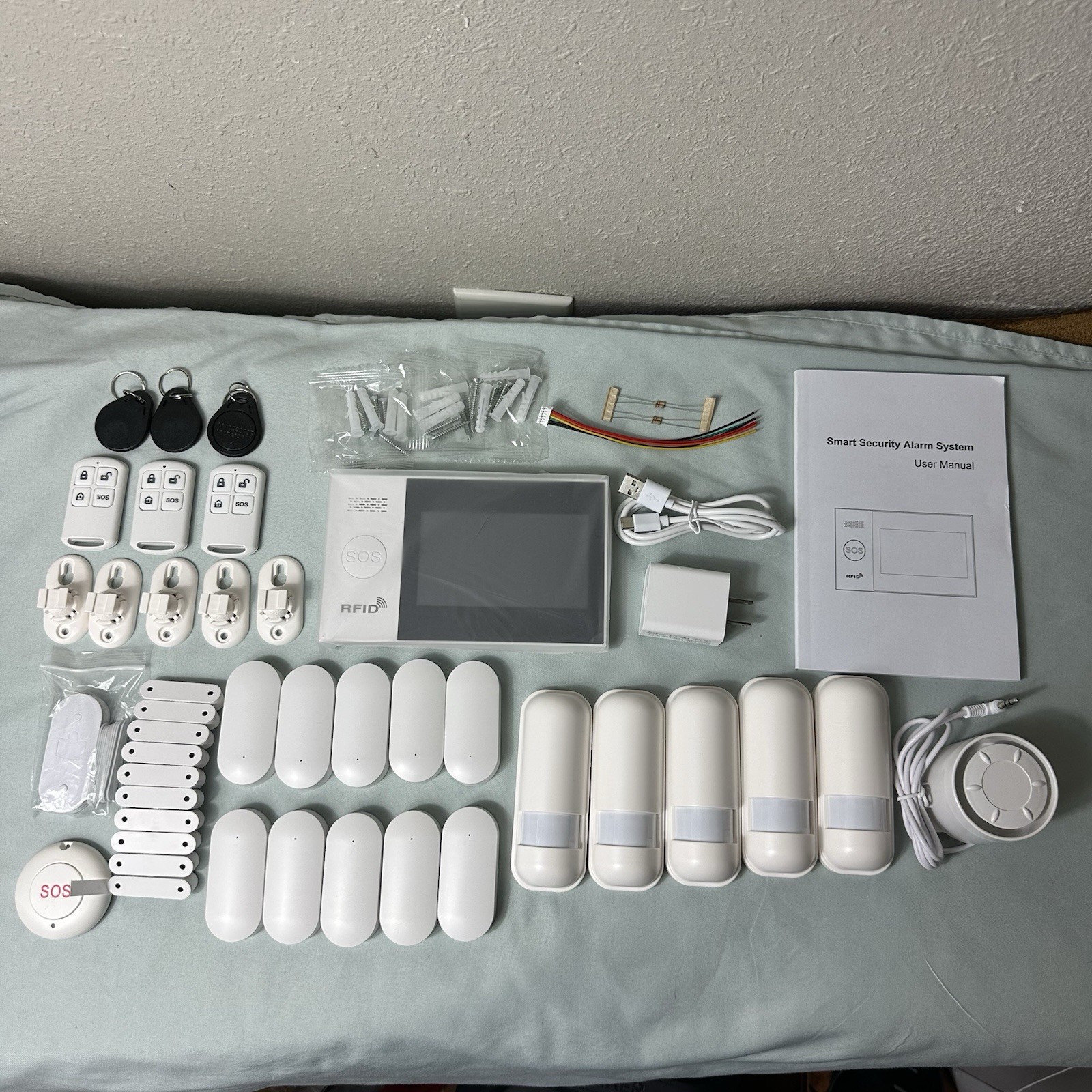 Wireless Smart Home Security Alarm System with RFID$79.99View on eBay
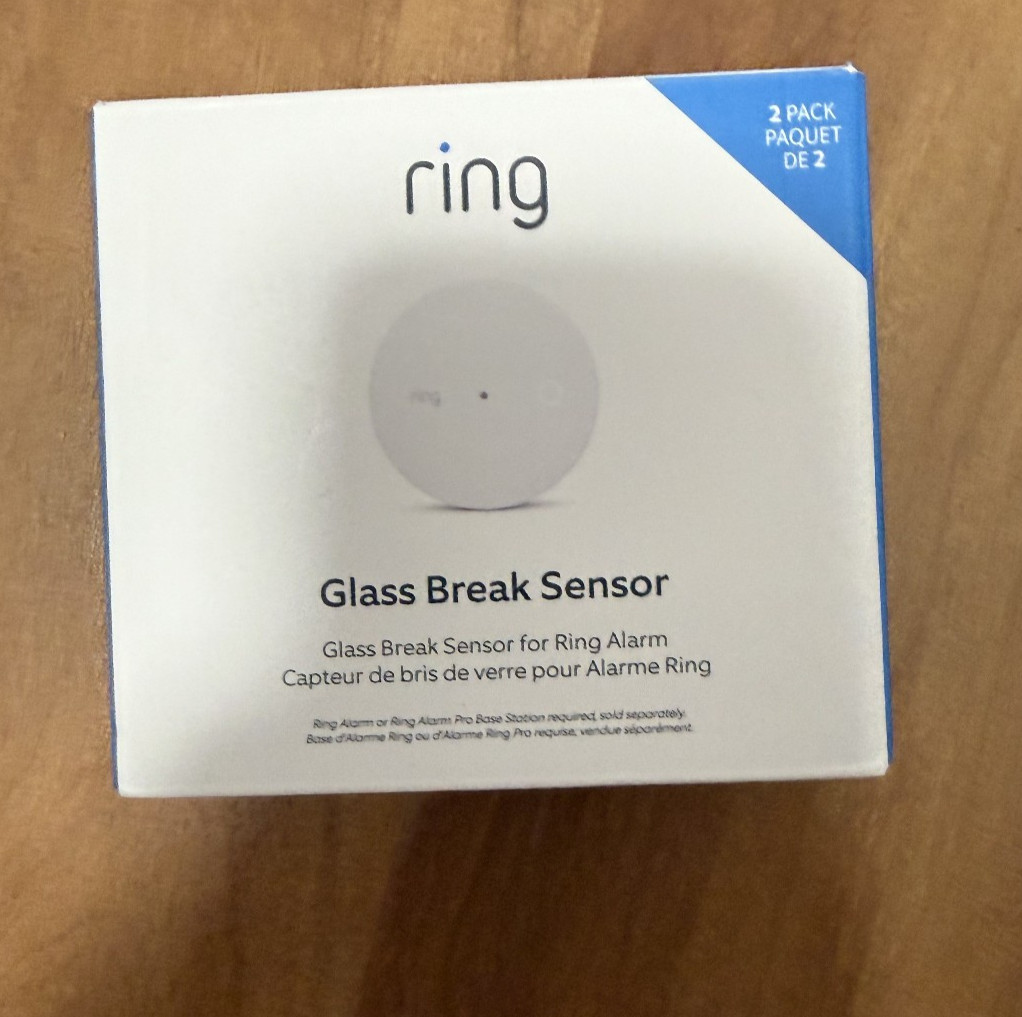 Ring Glass Break Sensor 2 Pack Wireless Smart Home Security Alarm Z Wave New$104.89Last checked Nov 20, 2026View on eBay
 eufy 5-Pcs Wireless Alarm System Smart Home Security Kit Motion Sensor with App$159.99View on eBay
 8CH POE IP Camera Kit Wired NVR System Full HD Home Monitoring Smart Alarm$165.99View on eBay
 8CH POE IP Camera Kit NVR System Full HD Home Monitoring Smart Alarm IP66$179.99View on eBay
Highlights
- Hub radio determines sensor compatibility: Zigbee/Z-Wave hubs accept third-party sensors; proprietary sub-GHz systems (e.g., SimpliSafe) only accept same-brand add-ons.
- Cellular backup is the decisive redundancy layer: base stations with LTE/4G fallback keep alarms reporting when Wi-Fi or power fails; Wi-Fi-only hubs go silent in an outage.
- Sensor battery chemistry and type set maintenance intervals: lithium AA/CR123A sensors last 3-5 years, while coin-cell (CR2032) contact sensors often need annual swaps.
- Camera-integrated kits use PoE (wired, IP66 outdoor rated) or Wi-Fi; PoE NVR kits guarantee continuous recording and power over one cable, while Wi-Fi cams depend on stable signal.
Best use cases
- Renters needing no-drill, self-monitoring coverage: pick a Zigbee/Z-Wave hub with adhesive-mount contact and motion sensors — skip hardwired PoE NVR kits that require cabling and landlord approval.
- Homeowners wanting 24/7 professional monitoring with cellular failover: choose a proprietary kit with LTE base station and optional monitoring plan — skip open-hub DIY builds unless you accept self-monitoring only.
- Larger properties needing video verification: select a PoE NVR kit with IP66 cameras and alarm input/output — skip battery-only sensor kits, which lack continuous recording and wired camera power.
Buying tips
- Count entry points first: one contact sensor per exterior door and operable window, plus one motion sensor per 35-40 sq m of open living area; buy a kit within 2 sensors of that total.
- Match the hub protocol to your ecosystem: Zigbee or Z-Wave if you want third-party sensors and smart-home integration; proprietary sub-GHz if you want a sealed, professionally monitored system.
- Verify cellular backup: choose a base station with LTE/4G fallback if you need alarms during internet or power outages; Wi-Fi-only hubs are self-monitoring convenience devices, not outage-proof.
- For camera kits, confirm PoE standard (802.3af/at) and NVR channels match camera count; an 8CH NVR supports up to 8 cameras, so buy 4-camera kits only if you will never expand past four.
Specs
| Hub Protocol | Zigbee / Z-Wave / Proprietary sub-GHz |
|---|---|
| Backup Comms | Wi-Fi only vs LTE/4G cellular |
| Sensor Battery | CR123A/AA 3-5 yr vs CR2032 1 yr |
| Camera Kit Wiring | PoE 802.3af/at vs Wi-Fi battery |
Related searches
What to check before buying
- Measure each door and window frame: contact sensors need magnet gap under 15-20 mm when closed; wider gaps require spacer kits or recessed sensors.
- Confirm hub power and network placement: base station needs a mains outlet and, for cellular backup, a location with strong LTE signal — test signal at the intended spot before mounting.
- Check Wi-Fi band support: many hubs and cameras are 2.4 GHz-only; a 5 GHz-only router setting will block pairing, so enable a 2.4 GHz SSID.
- For PoE camera kits, verify you have a route for Ethernet cable from NVR to each camera location and that the NVR supports the camera resolution (e.g., 4MP/5MP) you are buying.
FAQ
Data sources: eBay / Amazon listings and product attribute feeds. Updated Nov 22, 2026.
Some links on this page are affiliate links. If you buy after clicking one, we may earn a commission at no extra cost to you. This does not change which products appear here or their order. Affiliate disclosure.