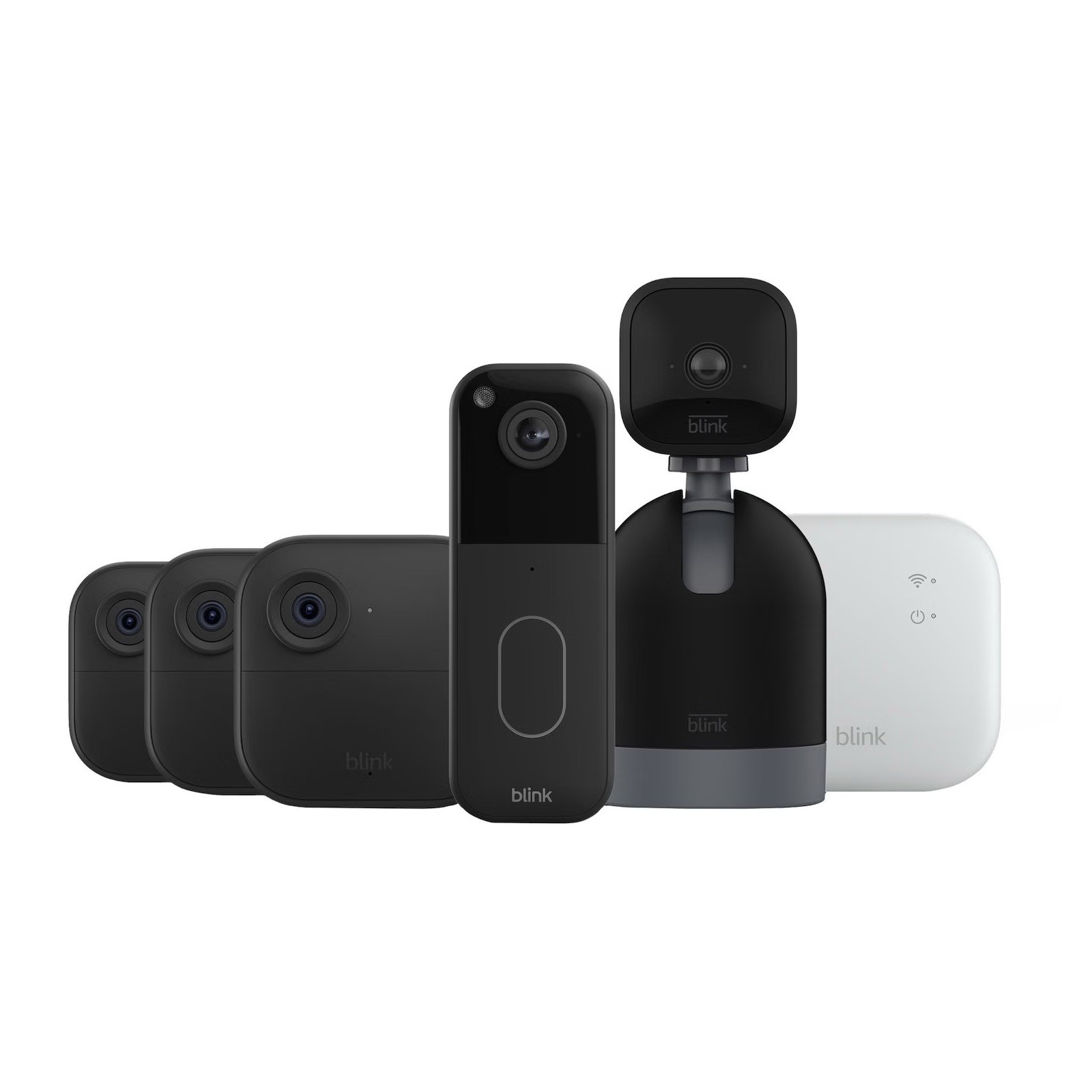

Photos from current listings. Actual item, color, and included accessories may vary.
Security System With Doorbell Camera Buying Guide
A security system with doorbell camera integrates video doorbell entry monitoring with a multi-camera NVR or cloud-based hub, letting one app handle recordings, alerts, and two-way audio. The core trade-off is cloud subscription ecosystems versus local-storage DIY kits: cloud brands like Blink and Ring simplify setup but cap features behind plans, while local NVR systems demand wiring but avoid recurring fees. Buy cloud-based if you want wireless, battery-powered installation and accept a subscription for full recordings; buy local NVR if you need 24/7 continuous recording and zero fees.
At a glance
- Category
- Home Security
- Last updated
- Nov 22, 2026
Current offers
Highlights
- Resolution tiers: 1080p HD is baseline; 2K (2560x1440) doorbells and cameras deliver readable faces at 20-30 ft, 4K adds detail but doubles storage and bandwidth needs.
- Power architecture: battery doorbells last 3-6 months with 2-4 events/day; wired 16-24 VAC doorbells unlock pre-roll buffering and constant recording — never mix battery cameras with NVR-only kits.
- Storage model: cloud plans typically cover 30-60 days of event clips per camera; local NVR kits use 1-4 TB surveillance-grade HDDs (WD Purple, Seagate SkyHawk) sized by camera count and bitrate.
- Wireless standard: Wi-Fi 6 (802.11ax) hubs handle 4+ simultaneous 2K streams; older 2.4 GHz-only hubs choke on multi-camera live view and drop doorbell presses.
Best use cases
- Renters or no-drill installs: pick a battery doorbell + wireless camera bundle (Blink, Ring) with hub-based sync modules — skip NVR kits that require attic cable runs.
- Large homes or multi-entry coverage: pick a 6-8 channel local NVR kit with PoE cameras and a 2 TB+ drive for 24/7 recording; skip 2-camera cloud bundles that cap total devices or charge per-camera fees.
- Front-door-only coverage: a single 2K wired doorbell with existing 16-24 VAC wiring and chime is enough; skip full system bundles unless you need backyard or driveway cameras.
Buying tips
- Count cameras plus doorbell against hub capacity: Blink Sync Module 2 supports up to 10 devices; Ring Alarm base supports 100+ sensors but cloud recording is per-camera — size the plan before the hardware.
- Match doorbell power: check existing transformer output (16-24 VAC, 10-30 VA) for wired models; battery models need 2.4 GHz Wi-Fi at the door with -60 dBm or better signal.
- Storage math for NVR kits: 2K camera at 4 Mbps records ~1.7 TB per camera per month continuously; a 4-camera kit needs a 4 TB drive for 30-day retention — surveillance-grade HDDs only.
- Prefer Wi-Fi 6 hubs and 2K sensors over 1080p when covering 30+ ft driveways; upgrade to 4K only with PoE wiring and a 6 TB+ drive.
Specs
| Resolution | 1080p / 2K / 4K |
|---|---|
| Power Type | Battery vs wired 16-24 VAC |
| Storage | Cloud plan vs NVR HDD |
| Hub Wireless | Wi-Fi 6 vs 2.4 GHz-only |
Related searches
What to check before buying
- Measure doorframe width and depth: doorbells need 1.2-2.4 in width and flat mounting surface; check brick, siding, or metal frame for anchors or no-drill mounts.
- Test door Wi-Fi signal on 2.4 GHz at -60 dBm or stronger; weak signal causes missed doorbell presses and dropped live view.
- Confirm existing chime compatibility: wired doorbells need mechanical or digital chime support (16-24 VAC); battery models ship with plug-in chimes.
- Verify NVR kit includes PoE switch or injectors, camera cabling (Cat5e/Cat6), and drive bay capacity before purchase.
FAQ
Data sources: eBay / Amazon listings and product attribute feeds. Updated Nov 22, 2026.
Some links on this page are affiliate links. If you buy after clicking one, we may earn a commission at no extra cost to you. This does not change which products appear here or their order. Affiliate disclosure.