
Photos from current listings. Actual item, color, and included accessories may vary.
Indoor Camera Buying Guide
Indoor cameras split into two clear architectures: fixed wired USB-powered cams and pan-tilt-zoom (PTZ) motorized units, with resolution, night-vision type, and Wi-Fi band determining real usefulness. The core trade-off is local storage and 5GHz support versus cloud-only, 2.4GHz-only budget builds. Choose a 2K+ sensor with microSD local recording and dual-band Wi-Fi if you want durability; skip 1080p cloud-locked models with no local slot.
At a glance
- Category
- Home Security
- Last updated
- Nov 22, 2026
Current offers
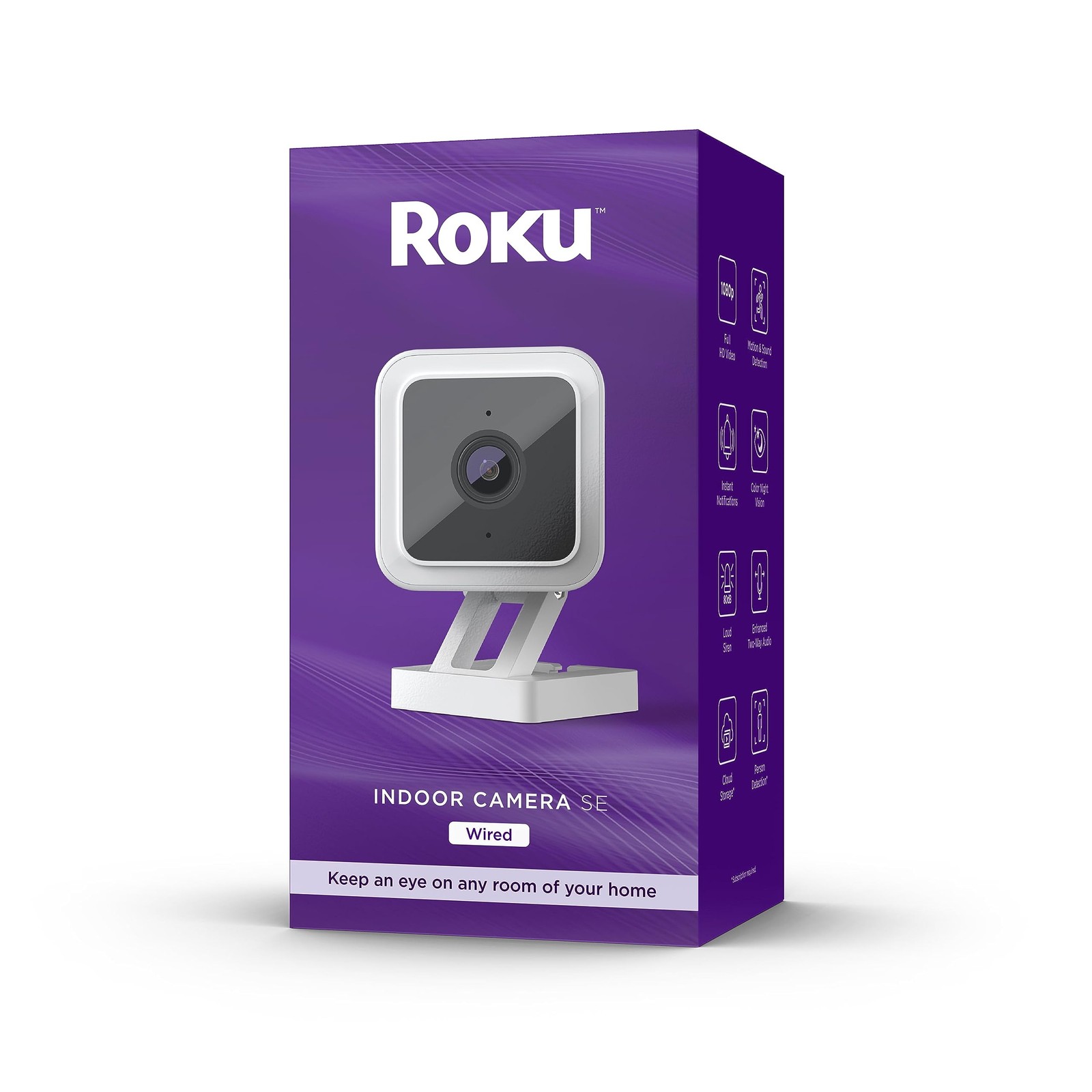 Roku Smart Home Indoor Camera SE Wi-Fi Security Camera Wired$12.94Last checked Nov 19, 2026View on eBay
- Roku Smart Home Indoor Camera SE Wi-Fi Security Camera Wired$13.94Last checked Nov 21, 2026View on eBay
 boykeep Indoor Camera 5G WIFI Camera 3MP Color Night Vision Pet/Baby Monitor$16.14View on eBay
 boykeep Indoor camera Baby Pet Monitor 5G WiFi Night Vision 2K Security Cam$18.04View on eBay
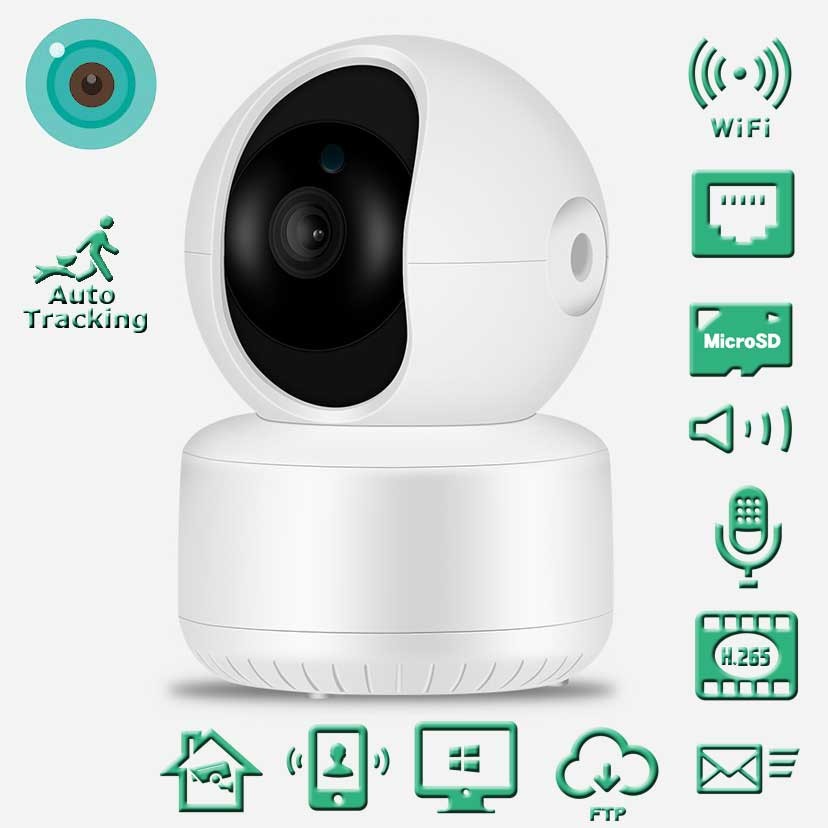 360° Swivel Wireless PTZ Indoor Camera Monitor Intelligent 2.4Ghz USB Power$19.99View on eBay
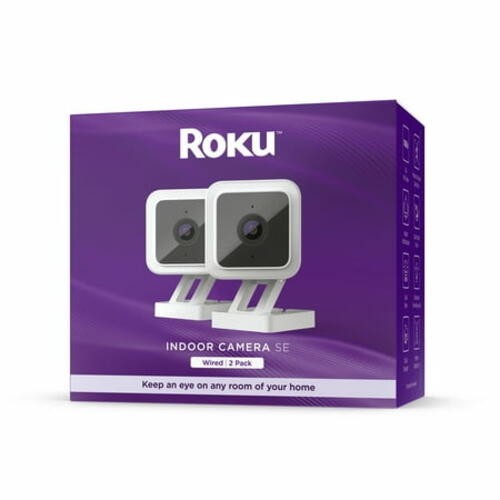 Roku Smart Home Indoor Camera SE (2-Pack) Wi-Fi®-Connected - Wired Security$24.95Last checked Nov 21, 2026View on eBay
 Wireless Security Camera, IP Camera 1080P HD Wansview, Wifi Home Indoor Camera f$26.77View on eBay
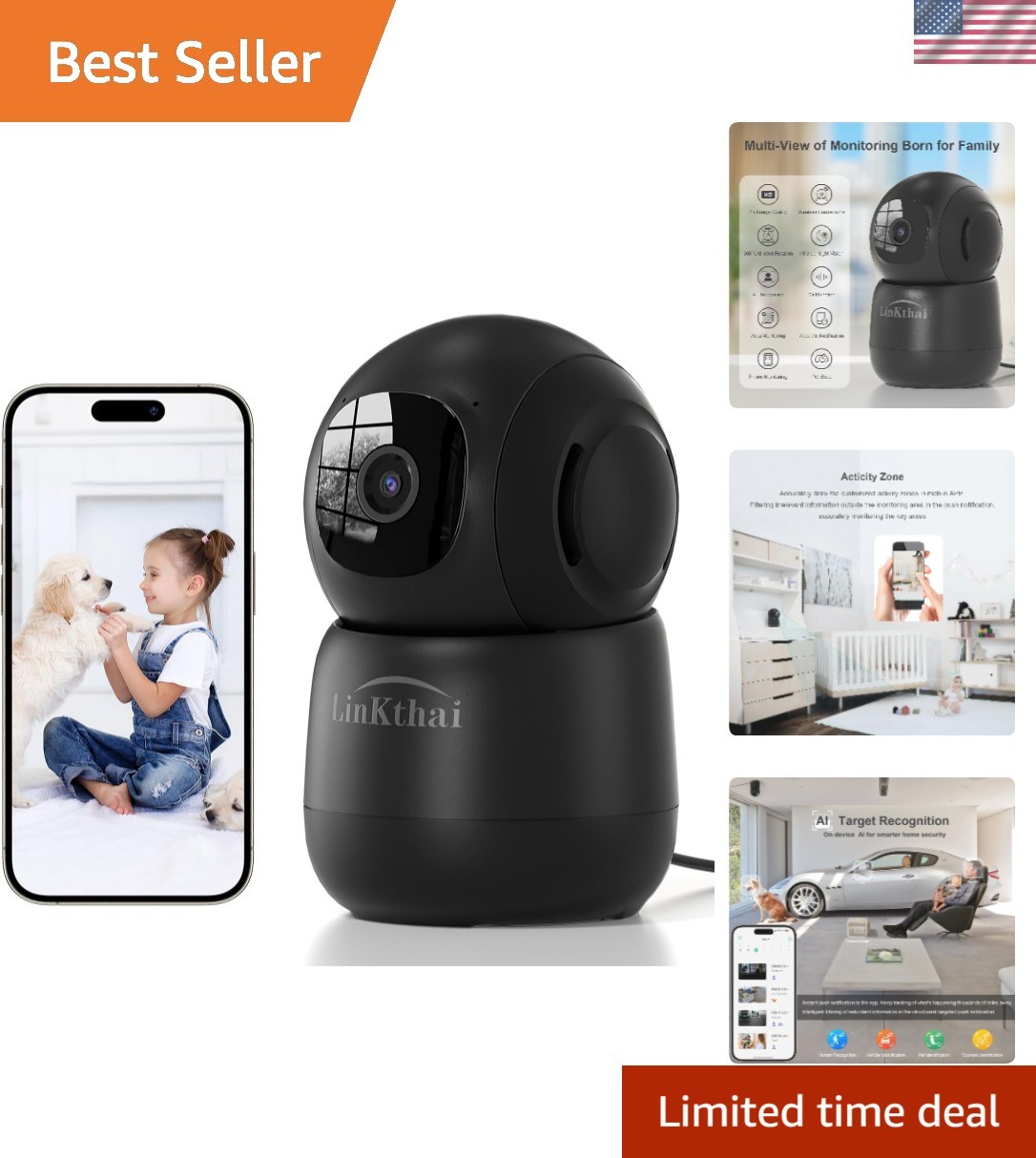 2.4GHz Indoor Camera: 2K Vision & Smart Tracking for Pet and Family Monitoring$27.99View on eBay
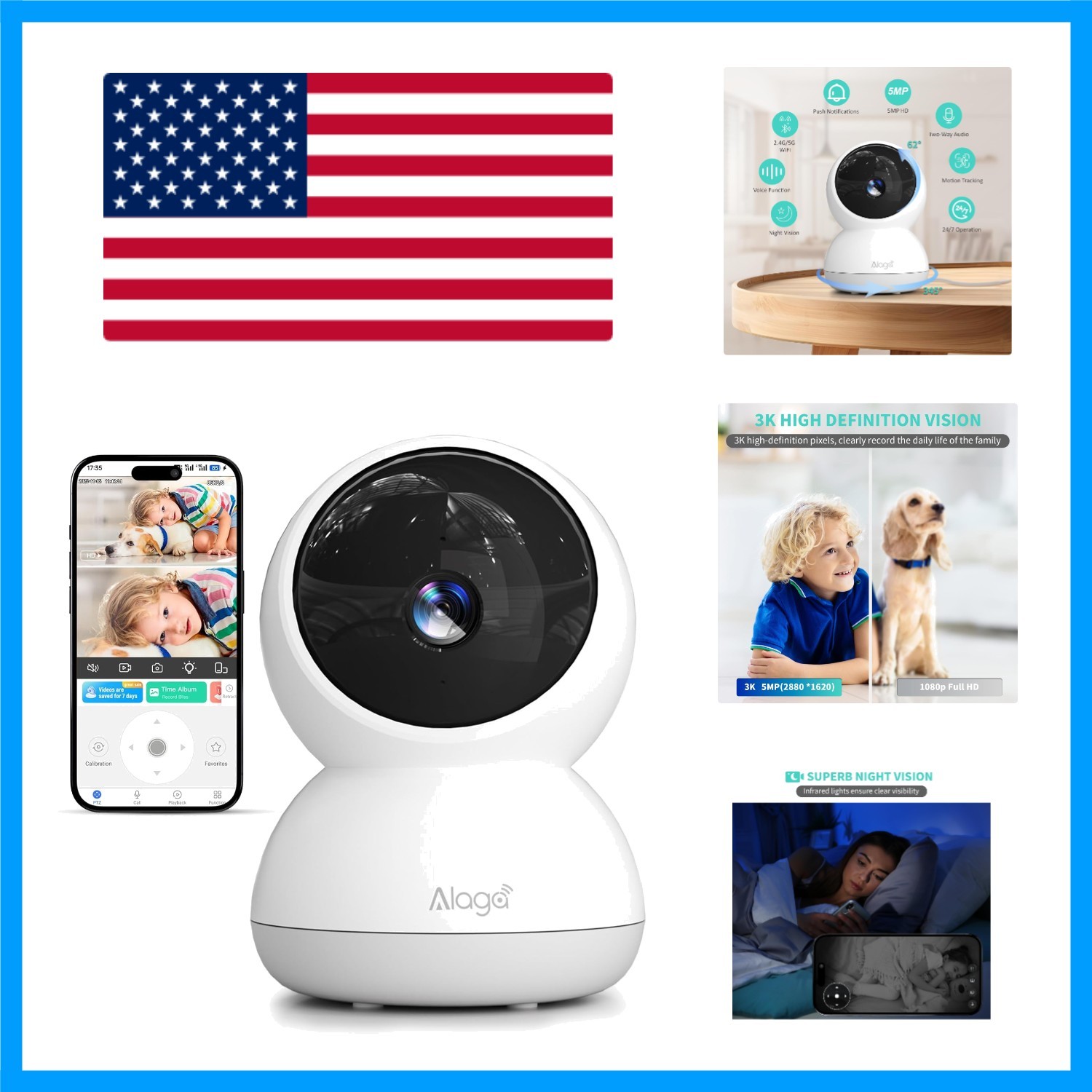 360° AI Smart Indoor Camera with Night Vision & 2-Way Audio for Home Monitoring$33.29View on eBay
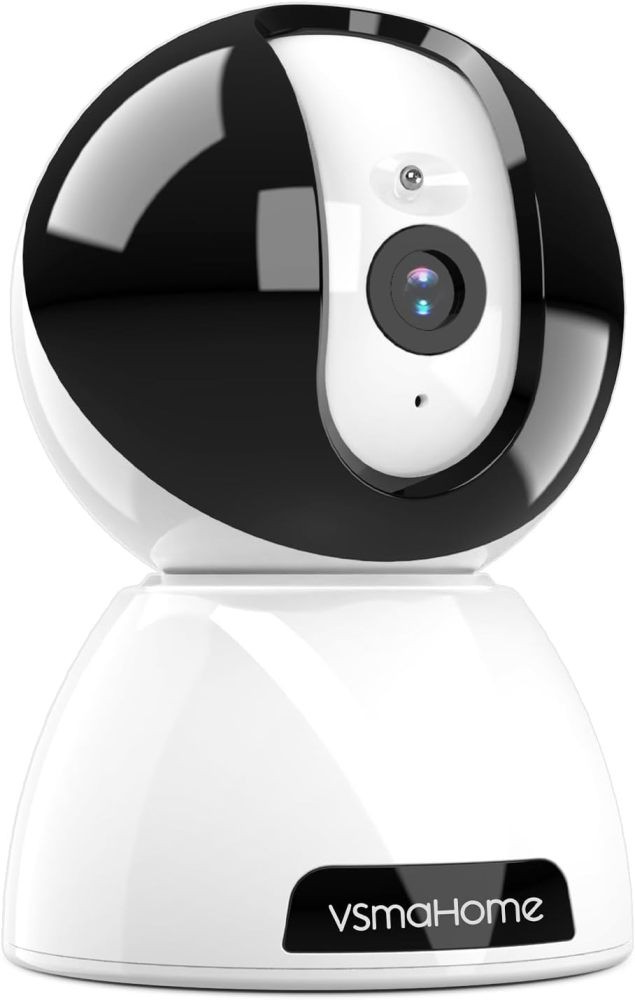 Security Indoor Camera,360° Pan Tilt 1080P Pet Camera with Motion Detection$35.99View on eBay
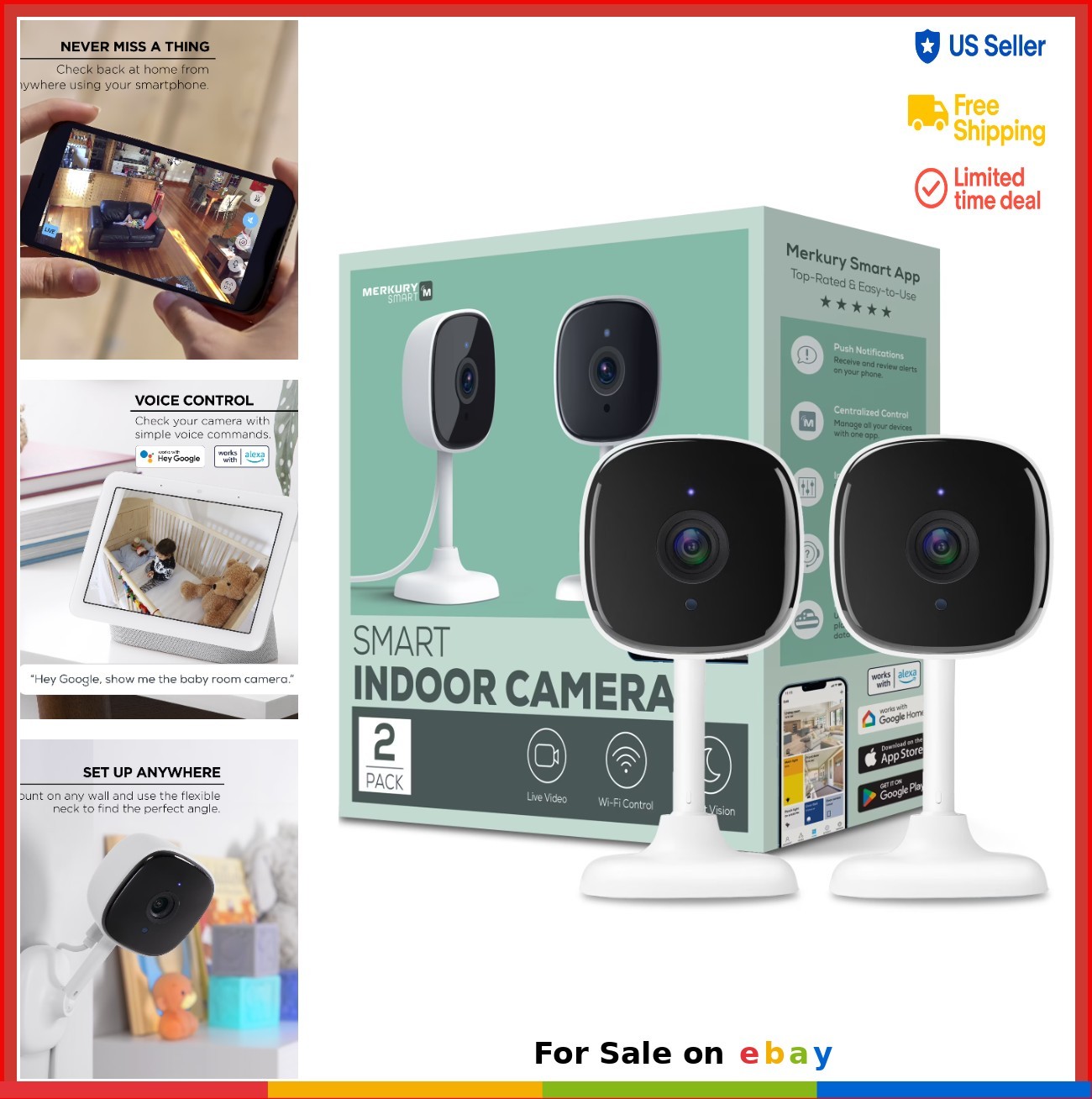 Smart Indoor Camera 1080p Wi-Fi Security Cam Night Vision 2-Pack Home Monitoring$63.97View on eBay
 Smart Motion Tracking 4MP Indoor Camera - Ideal for Home Safety and Monitoring$71.99View on eBay
 Indoor 2K Indoor Home Security Camera WiFi APP PIR Motion Detection Night Vision$7.99View on eBay
 HD 1080P Mini Camera: Wireless WiFi Baby Monitor for Indoor Safety$10.22Last checked Nov 20, 2026View on eBay
 ✅Wireless Security Camera System Indoor Home 2.4G Wifi Night Vision Cam 1080P HD$11.89View on eBay
 Wireless Security Camera Indoor Outdoor Home Wifi Night Vision Camera HD 4K$11.99View on eBay
 HD WiFi Security Camera Indoor Wireless Mini Home IP Camera APP Remote Monitor$11.99View on eBay
 1080P Wireless WiFi Camera Home Security Night Vision Cam Indoor & Outdoor 32GB$12.88View on eBay
 CCTV Camera WiFi 1080P Wireless IR Indoor Outdoor Security Night Vision Home CAM$13.84Last checked Nov 22, 2026View on eBay
 1080P HD Mini WiFi Camera Indoor Safety Security Surveillance Baby Monitor Night$14.99View on eBay
Highlights
- Resolution tiers: 1080p (2MP) is minimum; 2K (3MP/4MP) resolves faces at 20-30 ft; 4K (8MP) only helps with a wide 120°+ lens and strong Wi-Fi.
- PTZ cameras use stepper motors with 355° pan / 90-110° tilt; fixed cams cover a single 100-130° field with no moving parts to fail.
- Night vision: IR LED arrays reach 20-30 ft in black-and-white; color night vision needs a built-in spotlight or starlight sensor for usable color at 10-15 ft.
- Local storage via microSD (up to 128-256GB) keeps footage without subscription; cloud-only cams require a monthly plan for any recording history.
Best use cases
- Best for whole-room coverage: pick a 2K PTZ with 355° pan and microSD slot for living rooms and open-plan spaces; skip fixed 1080p cams that leave blind corners.
- Best for pet/baby monitoring: choose a dual-band 2K fixed cam with two-way audio and motion alerts; skip motorized PTZ near cribs where motor noise and moving lens distract.
- Best for window-facing or rental setups: use a wired USB-powered fixed cam with 6-10 ft cable and 2.4GHz fallback; skip battery cams indoors since they lack continuous recording.
- Wrong fit: 5GHz-only cameras in mesh Wi-Fi homes with weak 5GHz backhaul—choose dual-band 2.4GHz/5GHz models for reliable indoor streaming.
Buying tips
- Match sensor to room size: 1080p for a 10x10 ft nursery, 2K/4MP for 15x20 ft living rooms, and 4K only if you need digital zoom on a 120°+ lens.
- Check the storage spec: a microSD slot supporting 128GB+ gives 7-14 days of continuous 2K recording; cloud-only models force a subscription for playback.
- Confirm Wi-Fi band: dual-band 2.4GHz/5GHz models stream 2K without stutter; 2.4GHz-only cams cap effective resolution and suffer interference in apartments.
- Prefer USB-C or micro-USB powered cams with a 6-10 ft cable and included adapter; battery indoor cams typically record only on motion and need recharging.
Specs
| Resolution Tier | 1080p / 2K (3-4MP) / 4K (8MP) |
|---|---|
| Camera Motion | Fixed vs PTZ (355° pan / 90-110° tilt) |
| Night Vision | IR B&W 20-30 ft vs color spotlight |
| Local Storage | microSD 64-128GB vs cloud-only |
Related searches
What to check before buying
- Measure the mounting spot: PTZ cams need 4-6 in clearance for pan/tilt range; fixed cams need a flat surface or 1/4-20 tripod thread.
- Verify outlet distance: most indoor cams ship with 6-10 ft USB cables—measure from the outlet to the shelf or wall mount before buying.
- Check Wi-Fi router band: confirm 5GHz coverage in the room if choosing a dual-band cam; 2.4GHz-only cams work farther but at lower sustained bitrate.
- Confirm local storage: buy a microSD card rated U1/Class 10, 64-128GB, and check the cam supports continuous recording, not just motion clips.
FAQ
Data sources: eBay / Amazon listings and product attribute feeds. Updated Nov 22, 2026.
Some links on this page are affiliate links. If you buy after clicking one, we may earn a commission at no extra cost to you. This does not change which products appear here or their order. Affiliate disclosure.