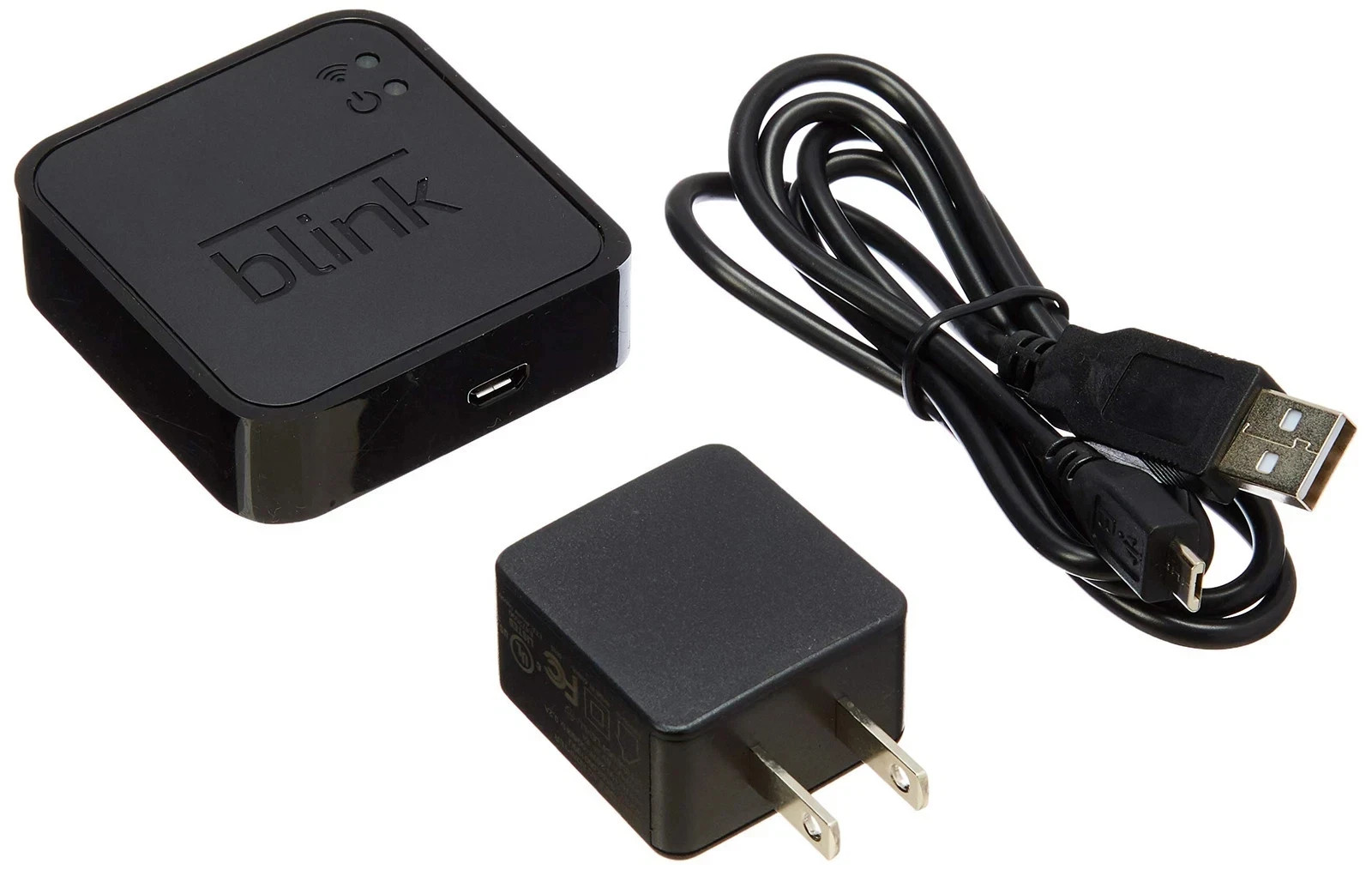

Photos from current listings. Actual item, color, and included accessories may vary.
Blink Sync Module Buying Guide
The Blink Sync Module is the required hub that connects Blink cameras and doorbells to Wi-Fi and manages local storage. The key trade-off is generation: Gen 1 (BSM00203U) supports only first-gen Blink XT cameras and micro-USB local backup, while Gen 2 adds dual-band Wi-Fi and USB-A storage for newer Outdoor/Indoor and Doorbell lines. Buy Gen 2 unless you are maintaining a legacy XT-only system.
At a glance
- Category
- Home Security
- Last updated
- Nov 22, 2026
Current offers
Highlights
- Gen 1 Sync Module (BSM00203U) is 2.4 GHz only and pairs exclusively with first-generation Blink XT and XT2 cameras.
- Gen 2 Sync Module adds 5 GHz Wi-Fi support and a USB-A port for up to 256 GB local clip backup, eliminating cloud dependence.
- Blink Doorbell requires a Sync Module 2 for wired chime integration and local storage; Gen 1 modules are not compatible.
- Each Sync Module supports up to 10 Blink cameras on a single network, with a maximum of 100 total devices per Blink account.
Best use cases
- Pick Gen 2 for any Blink Outdoor 4, Indoor (3rd gen), or Video Doorbell setup — it enables 5 GHz band steering and USB-A local saves.
- Skip Gen 1 if you are buying a Blink Doorbell or any camera released after 2020; the module will not recognize the device during pairing.
- Choose Gen 1 only as a direct replacement for a failed module on a legacy Blink XT system where all cameras are first-generation.
Buying tips
- Match the module generation to your camera generation: Gen 1 for XT/XT2 only, Gen 2 for XT2, Outdoor, Indoor, and Doorbell.
- Use a USB flash drive rated for continuous write (high-endurance or surveillance grade) in Gen 2; standard drives fail early under constant clip overwrite.
- Place the Sync Module within 30 feet of the router on 2.4 GHz for camera pairing, then relocate up to 100 feet line-of-sight if using 5 GHz backhaul.
- Budget for one Sync Module per 10 cameras; beyond that, add a second module and split cameras by location to avoid Wi-Fi congestion.
Specs
| Module Generation | Gen 1 (XT only) vs Gen 2 (all newer) |
|---|---|
| Wi-Fi Band | Gen 1: 2.4 GHz / Gen 2: 2.4 + 5 GHz |
| Local Storage | Gen 1 micro-USB 64 GB / Gen 2 USB-A 256 GB |
| Camera Capacity | Up to 10 cameras per module |
Related searches
What to check before buying
- Confirm your camera model: first-gen XT needs Gen 1 module; XT2, Outdoor, Indoor, and Doorbell need Gen 2.
- Count cameras per module — stay at or under 10 per Sync Module to maintain clip upload reliability.
- Verify a free USB-A port on the module for local storage; Gen 1 uses micro-USB and accepts only up to 64 GB.
- Check router band: Gen 1 is 2.4 GHz only; Gen 2 supports both 2.4 and 5 GHz for flexible placement.
FAQ
Data sources: eBay / Amazon listings and product attribute feeds. Updated Nov 22, 2026.
Some links on this page are affiliate links. If you buy after clicking one, we may earn a commission at no extra cost to you. This does not change which products appear here or their order. Affiliate disclosure.